Problem:
Finish a modified version of the solar system exercise found in Introducing Autodesk Maya 2016 by Derakhshani. All planets and moons had to have rotation around themselves and all parent objects at different speeds, using different primitives and shading.
Solution:
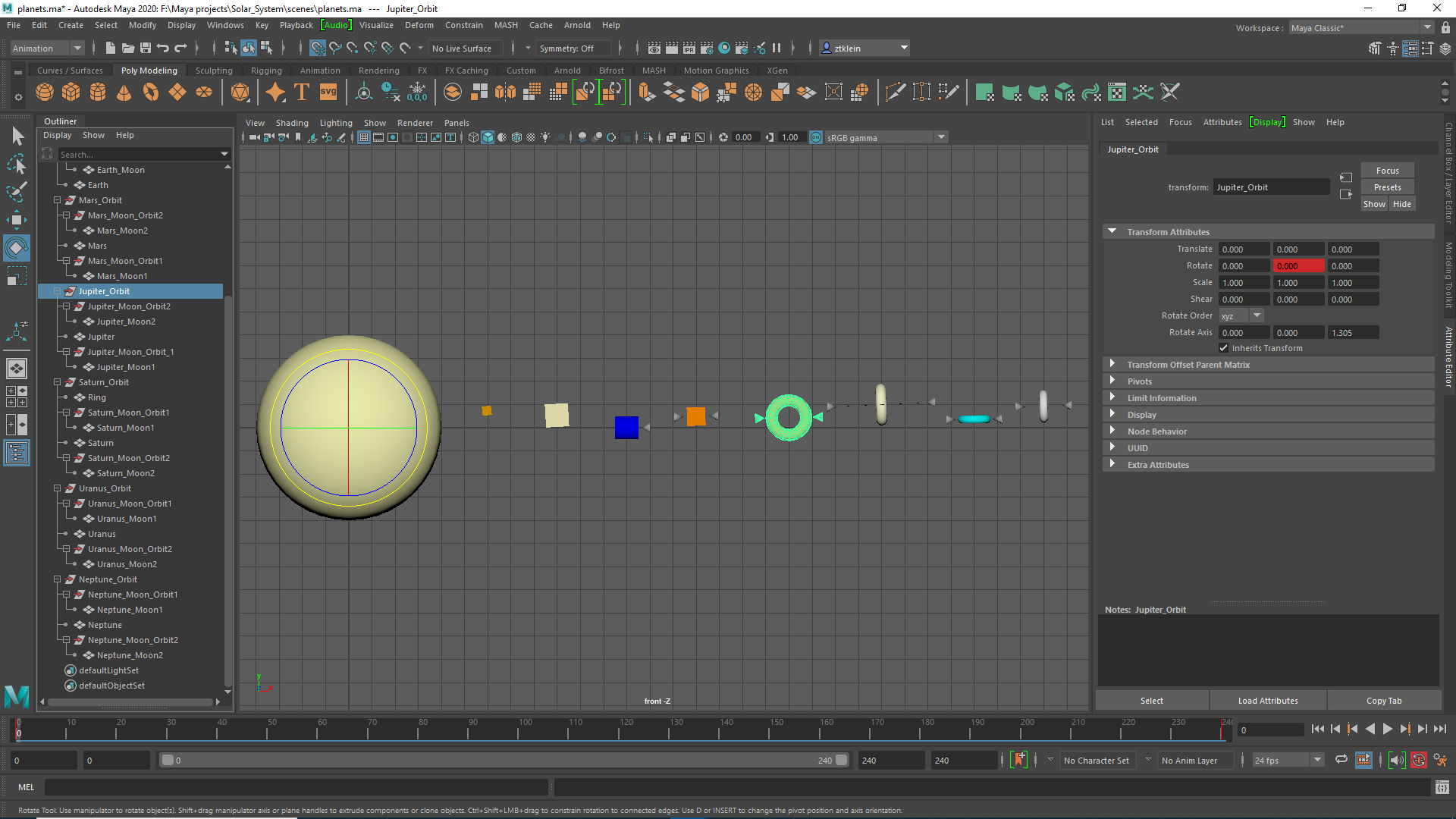
To start, I simply followed the tutorial. I’ll leave out the details of that. Where things get interesting is in the rotations and primitives used. For rotations, I used the tables found at https://www.astronomynotes.com/tables/tablesb.htm to add an inclination to each orbit. I used cubes, toruses, and cylinders for each planet, and each moon was a cone turned on its side. To ensure shapes such as cylinders had visible rotation while still rotating around the correct axis, I made sure to modify the rotate axis values. Sorry Pluto, I left you out.
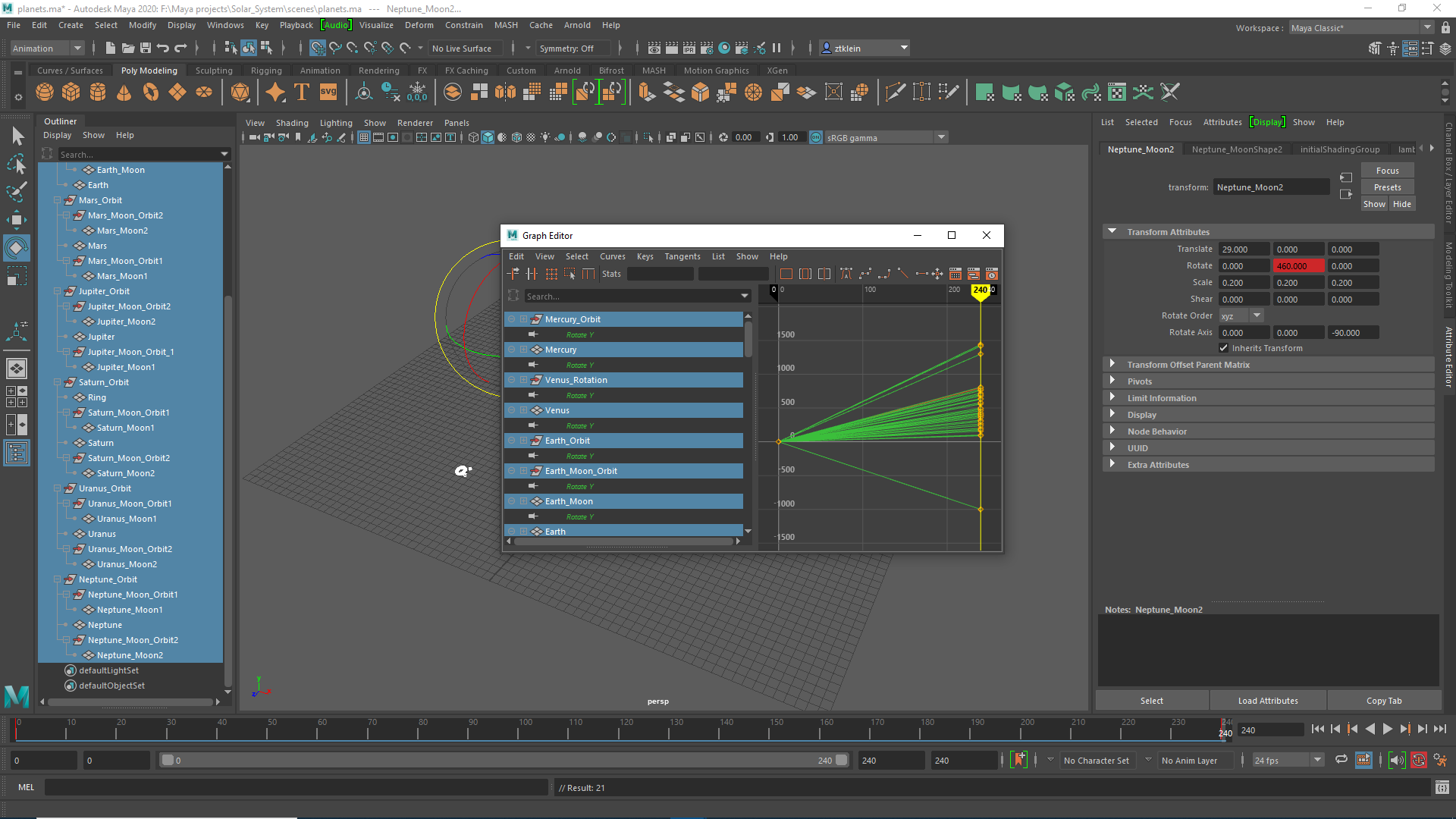
I noticed that the animation seemed a bit strange — the movement was not consistent throughout the animation. It turns out that Maya adds a curve for each animation by default; because I wanted constant movement for each object, I simply used the graph editor to ensure each animation had a linear curve.
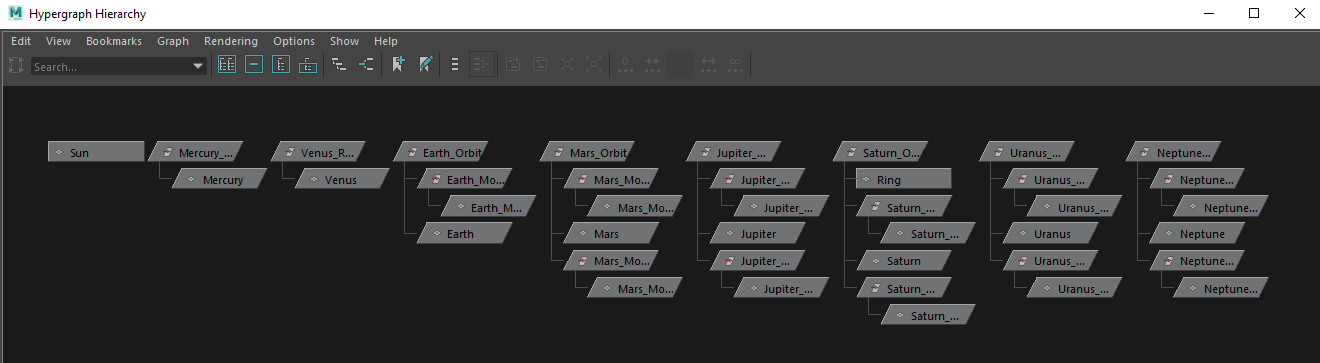
This is what the resulting hypergraph hierarchy looked lilke:
And here’s the playblast: