Problem:
Model a lamp using only NURBS tools in Maya.
Solution:
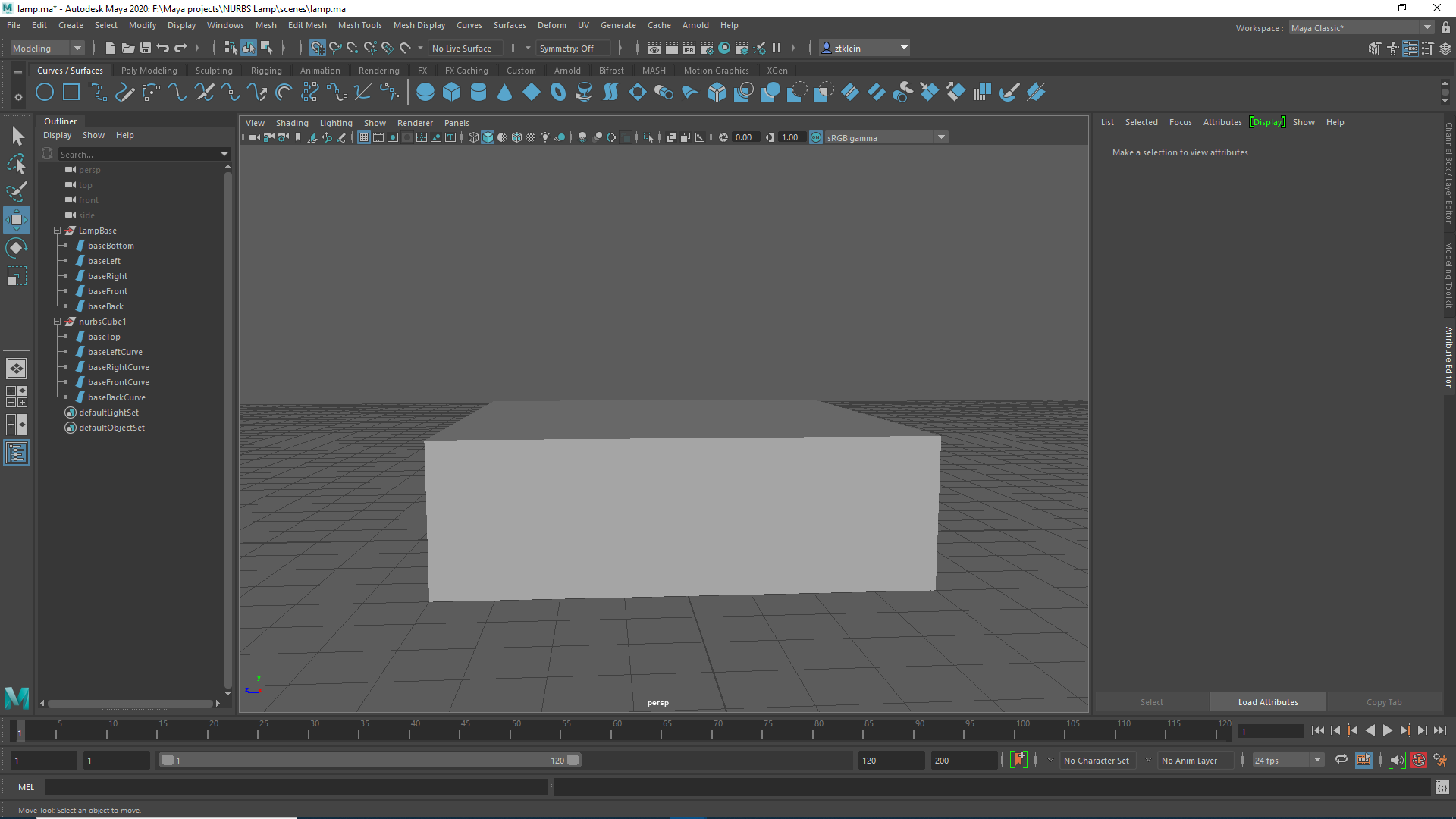
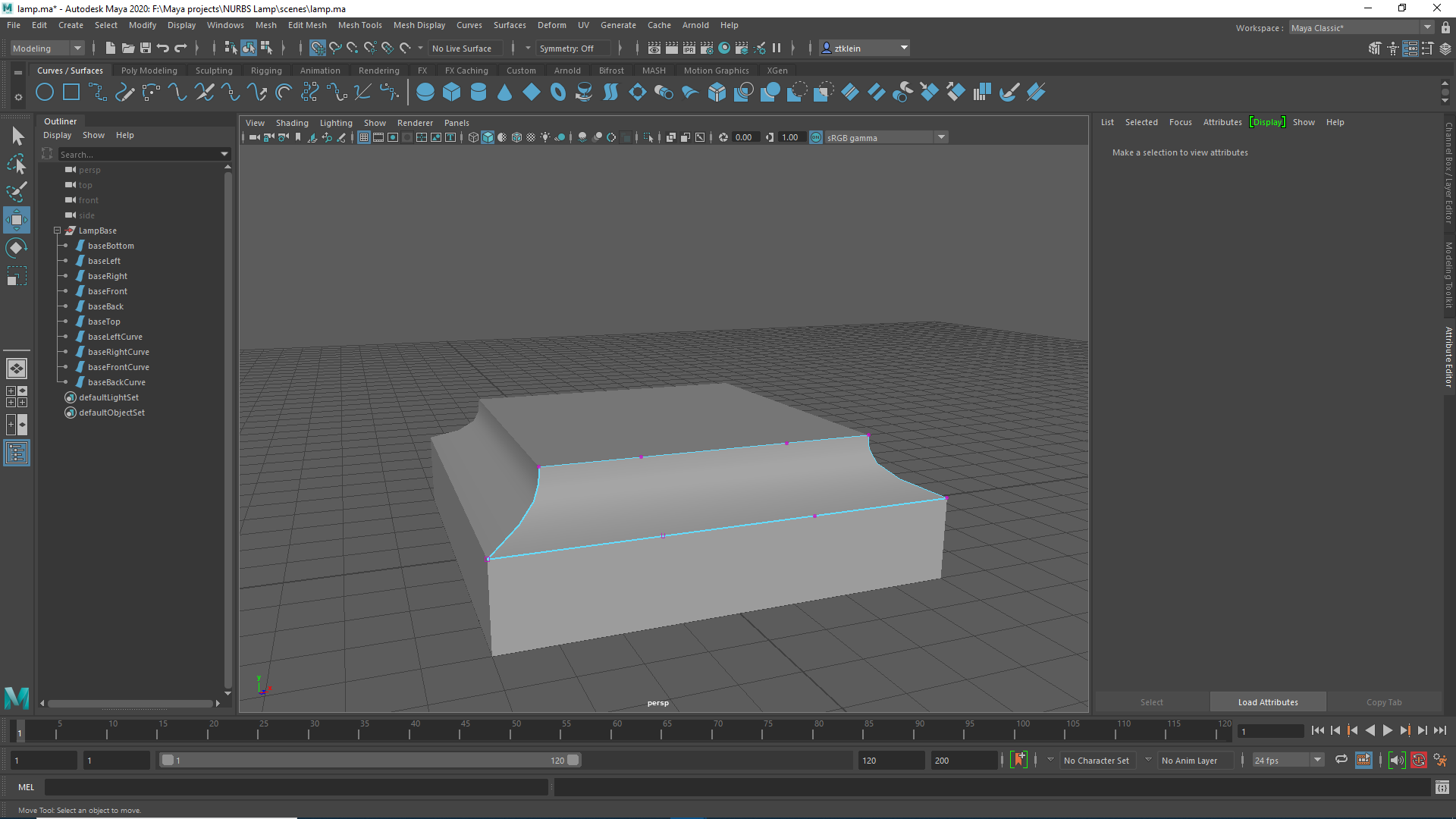
I started with the base, which was created by making two NURBS cubes, scaling them, removing touching faces, and then scaling in vertex controls to create the incline on the upper half. These were then grouped together.
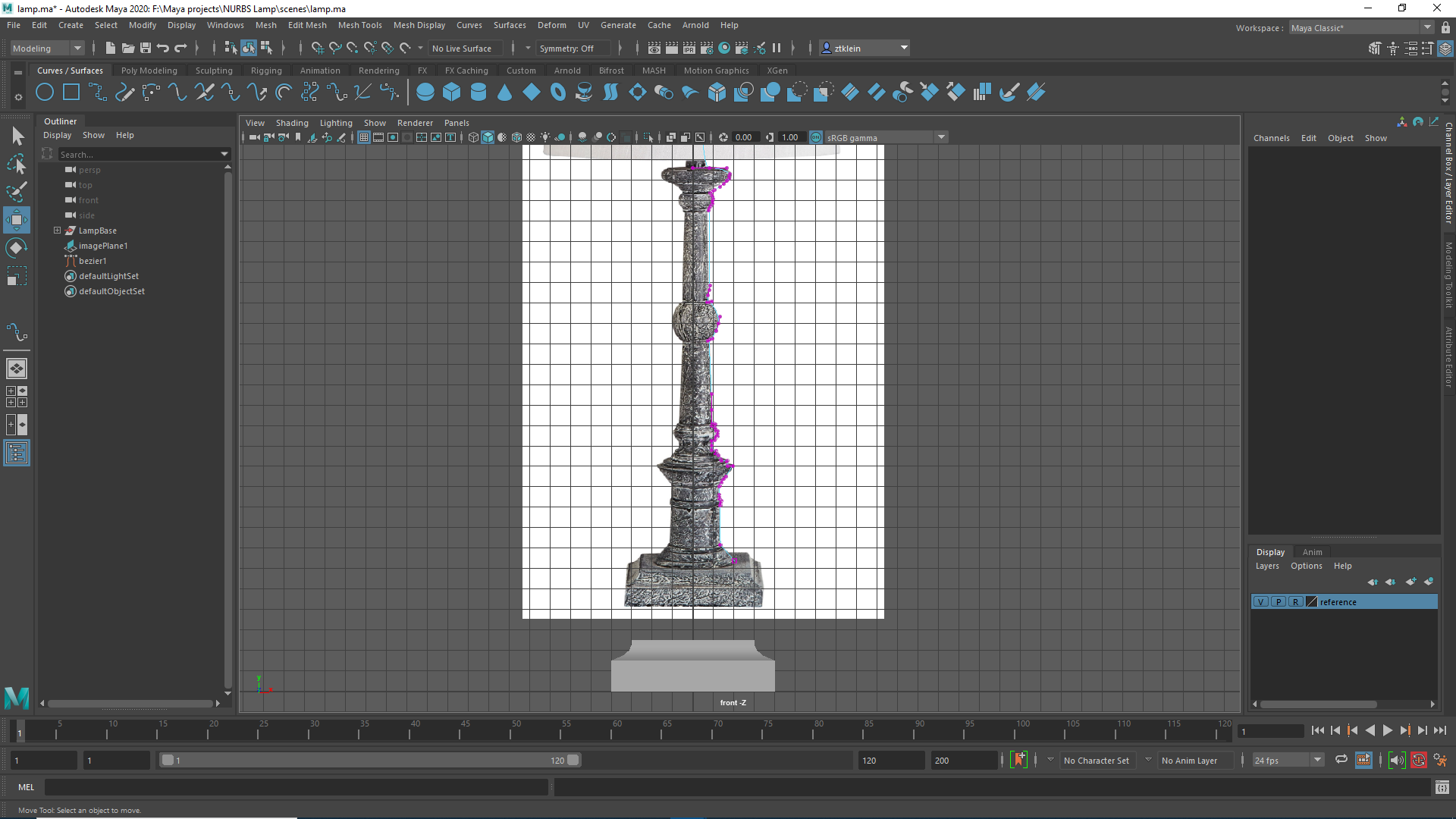
As for the lamppost itself, I tried several approaches, most of which at the beginning involved constructing it piece by piece. First I tried using NURBS primitives and various tools to modify them and stitch them together — this kept failing miserably. Then I tried doing each piece from a simple curve rotation, and then modifying each piece. This also failed miserably. Finally I tried just using a single curve to use for a full rotation to define the entire post. I had a lot of trouble getting EP and CV curves to play nice, but with Bezier curves, it seemed like I had a good thing going.
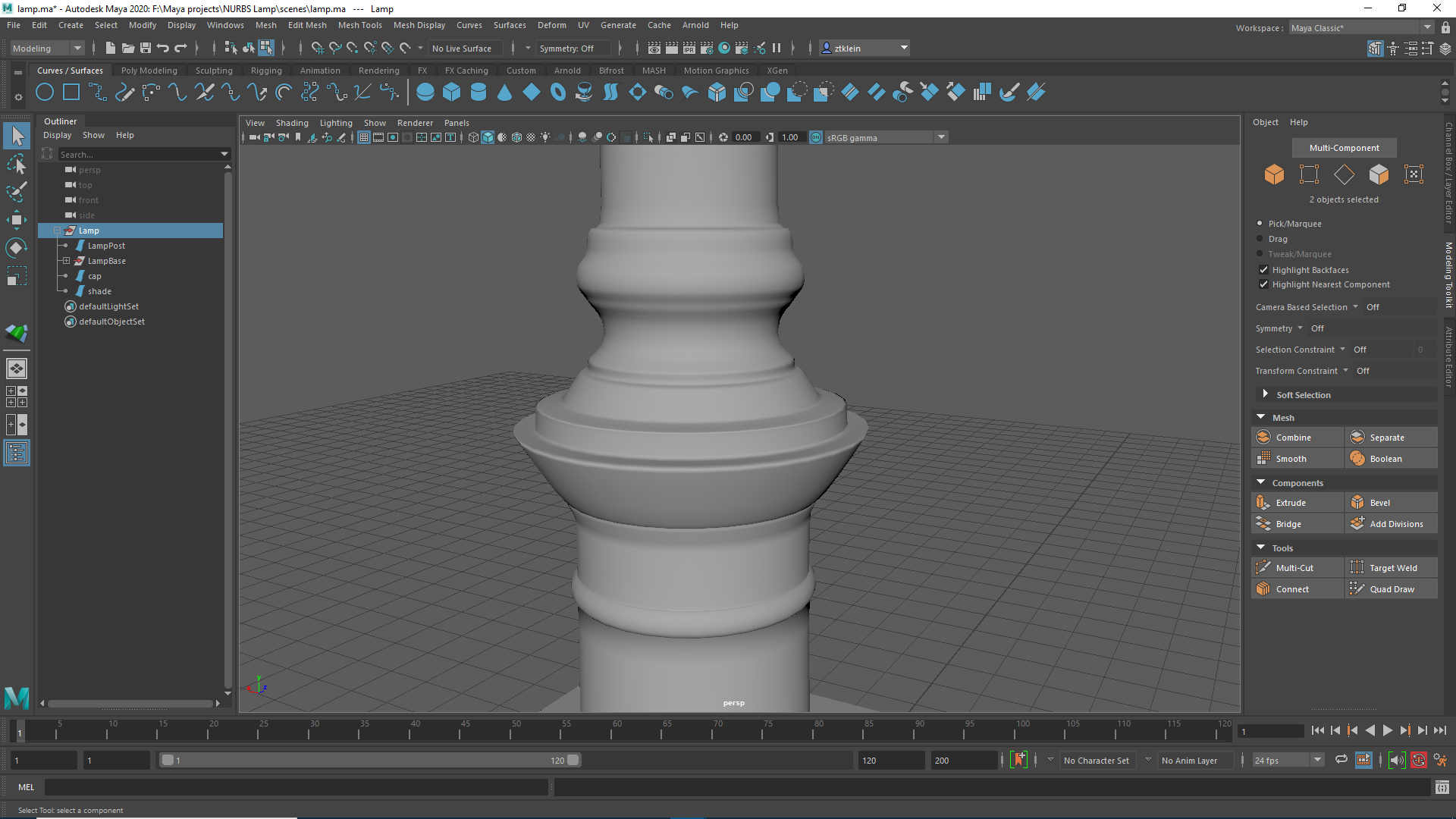
Once I rotated the curve, though, I noticed some issues.
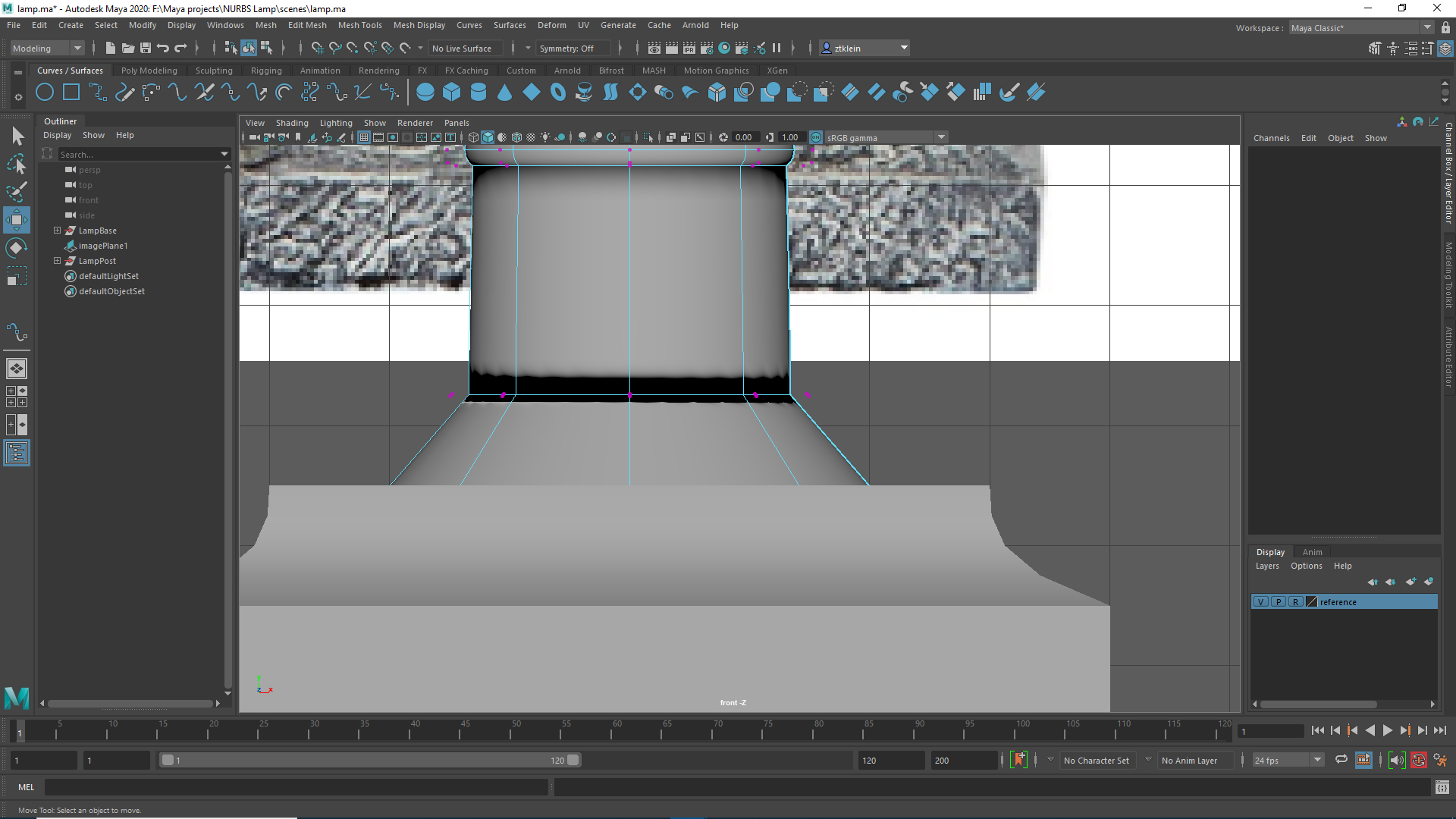
This was fixed by going back to the bezier curve, tweaking the handles in the problem areas a bit, and then doing a new rotation.
To top the post off, I just added a NURBS sphere as a cap, and then it was time to model the shade. I thought this would be really simple at first — I made two cylinders, and then scaled out the base. I had a lot of trouble figuring out how to bridge the gap, though. What I ended up doing was using attach without combining once at the top, detaching the outer side, and then using attach without combining again at the bottom.
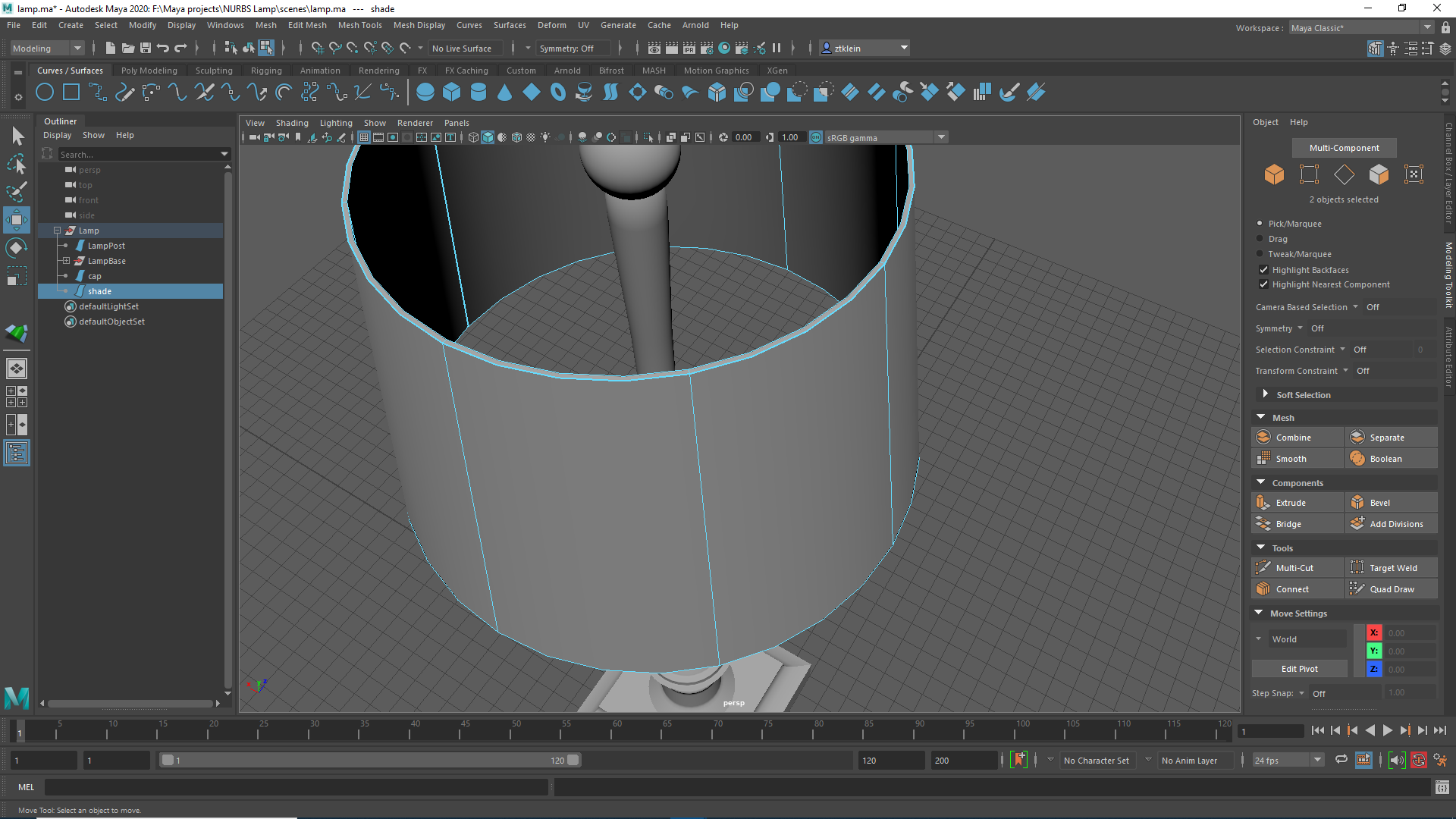
Ultimately, I’m pretty happy with the end result.
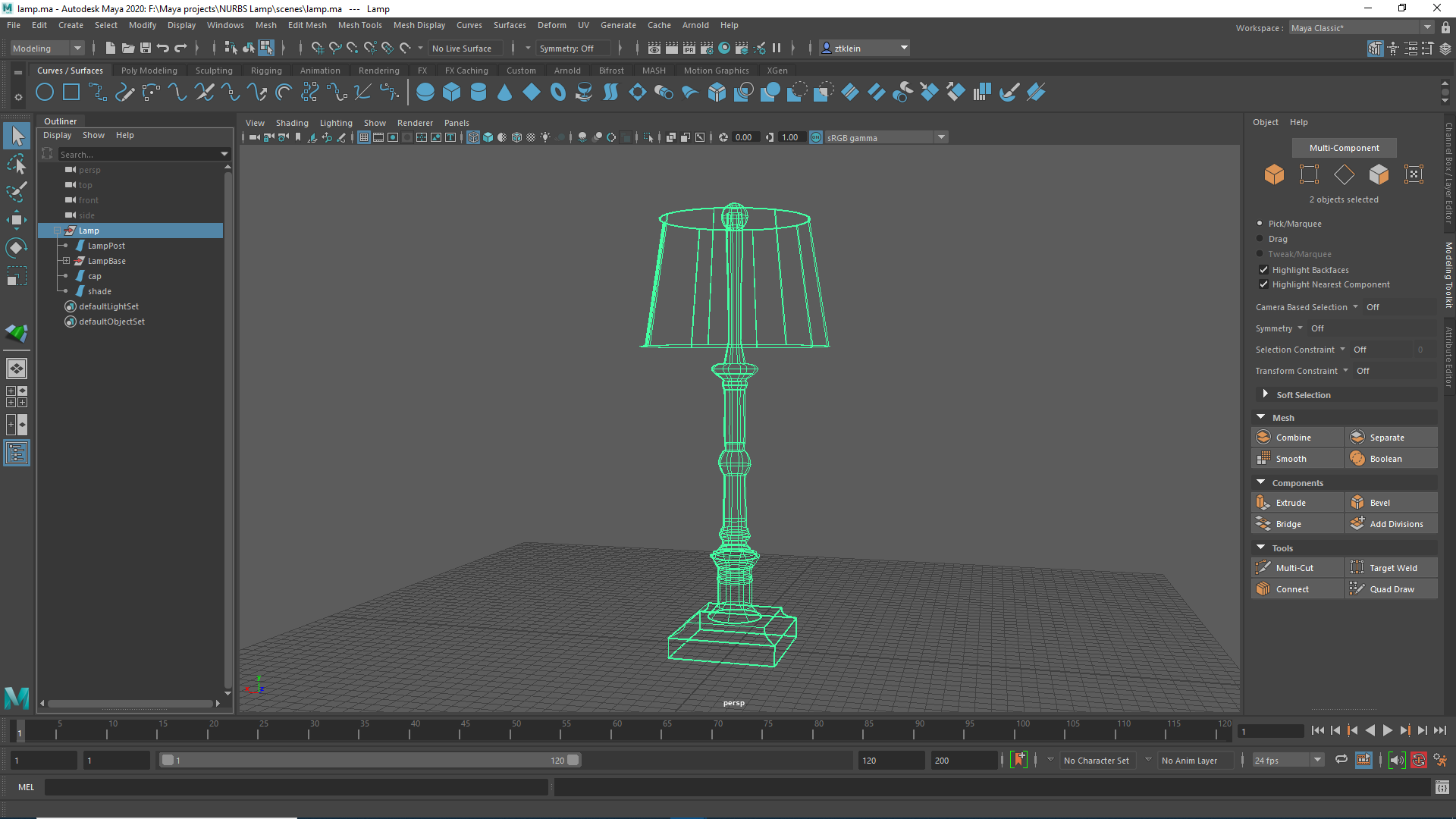
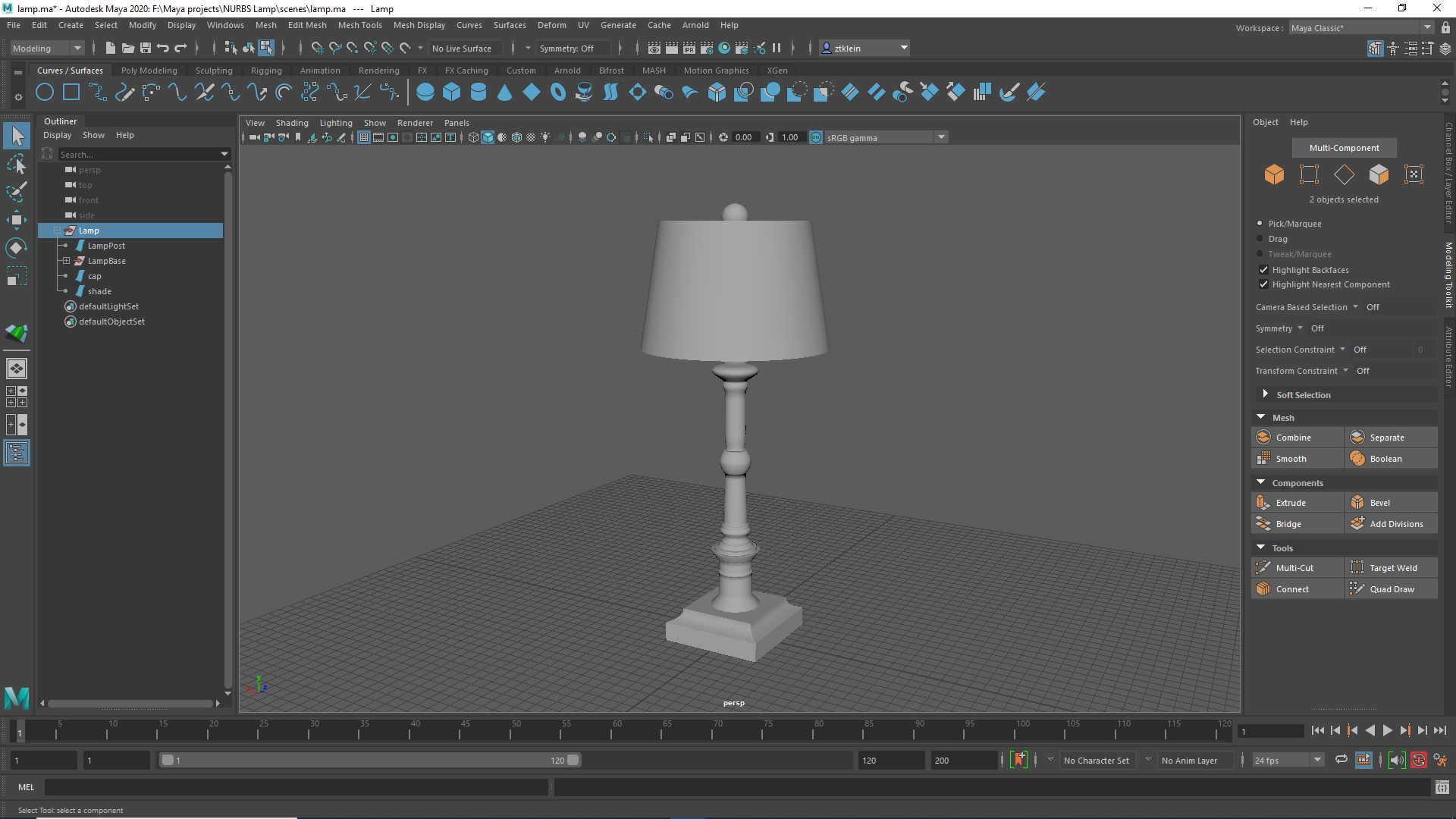
While I didn’t do the ridges all the way up the post (I had a lot of trouble with them), I finally got the hang of things with bezier curves and decided to try being more detailed on a segment of it. I was really happy with how it turned out.