Problem:
Make project 1 look good and do a turnaround.
Solution:
To start, I worked on making shaders for different parts of the car. I used 7 shaders total for this, with the most effort put into the car paint shader used for the chassis.
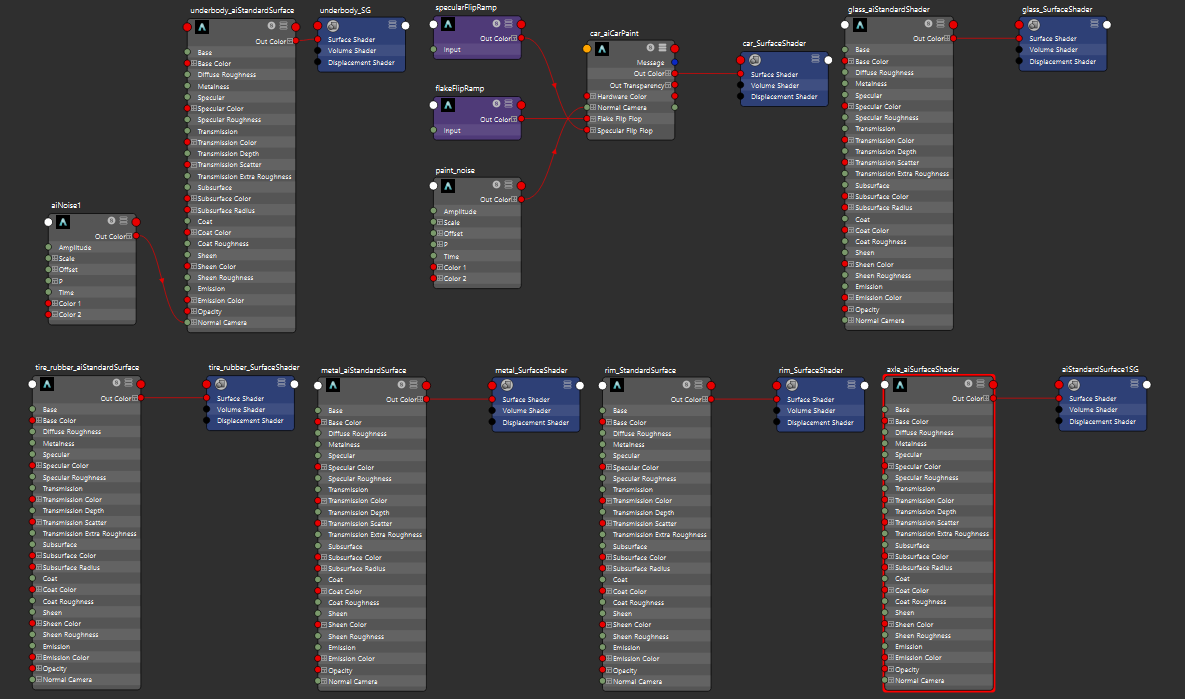
Most of the nodes are Arnold standard surfaces, but the car paint is an Arnold car paint node, which has some extra controls just for the task. Here’s the properties I used for it.
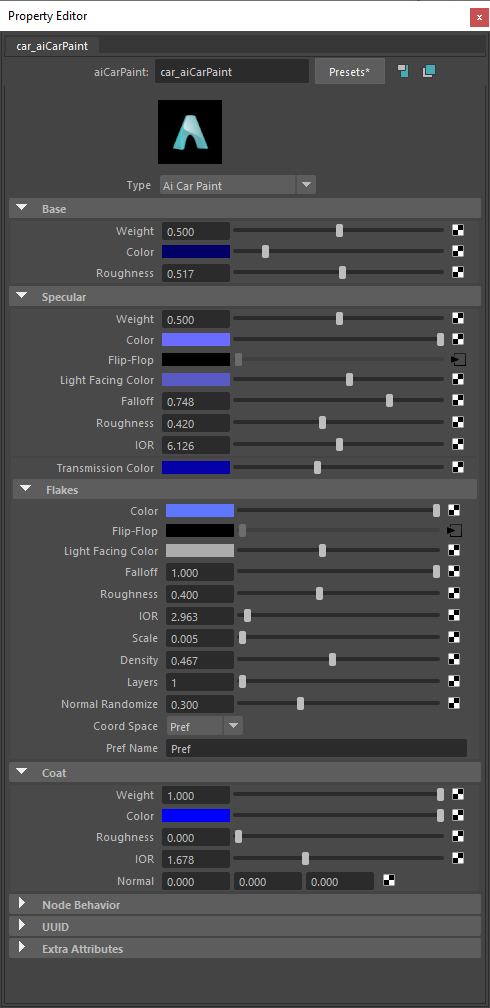
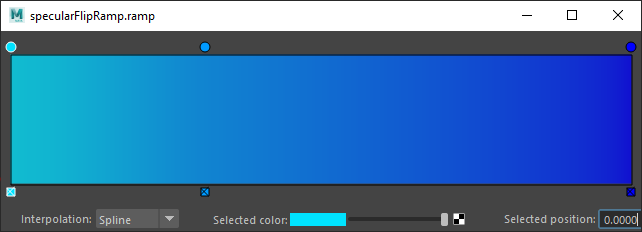
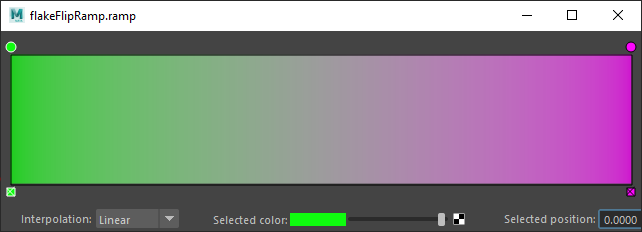
You’ll notice that there’s some flip-flop properties — those affect how light is reflected based on the viewing angle, and these were connected to color ramps. Here’s the specular and flake ramps.
For the lighting, I used the free fluorescent blaze HDRI from https://www.poliigon.com.
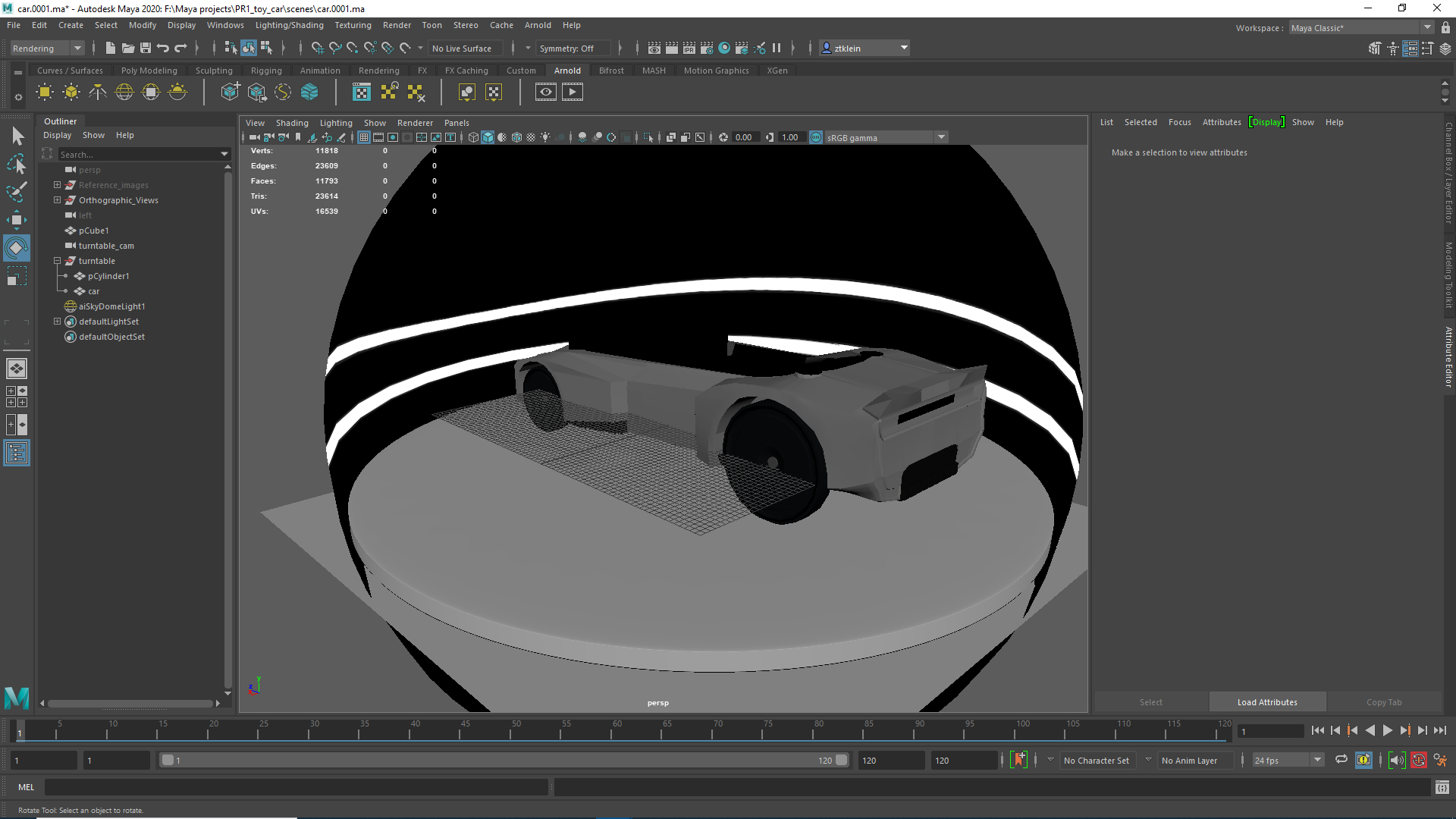
I set up a turnaround for 120 frames, because 90 felt a bit short. Even with 120, I didn’t do a full 360 degree turnaround.
Initially, I did a test render and rendered out AOVs at 1920x1080. I used the AOV’s to figure out that there was noise in the diffuse and specular, and upped the camera samples there to 2 and 2, as well as enabling adaptive sampling. Unfortunately, I also discovered that it would take far too long to render out everything at this quality, so I had to bump down the resolution to the HD_540 preset (960 x 540). Simply put, I can’t afford to put my desktop out of commission for more than a day, and I’m not aware of how to use the DPA pipeline yet to do renders using the school machines. Even with these settings, it took my desktop around 20 hours to render out the sequence.
Unfortunately, it looks like without doing a higher quality render, the subtle details added from paint flakes aren’t visible, which is a real shame — I spent a lot of time trying to get that to look good when I was doing test renders.
Once all this was done, I loaded the sequence into Premiere, and here’s the video.