Problem:
For our first project, we had to model an object in detail based on a real reference.
Solution:
For the project, I grabbed a $1 hot wheels toy from Target. Here’s the reference photos I took of it.
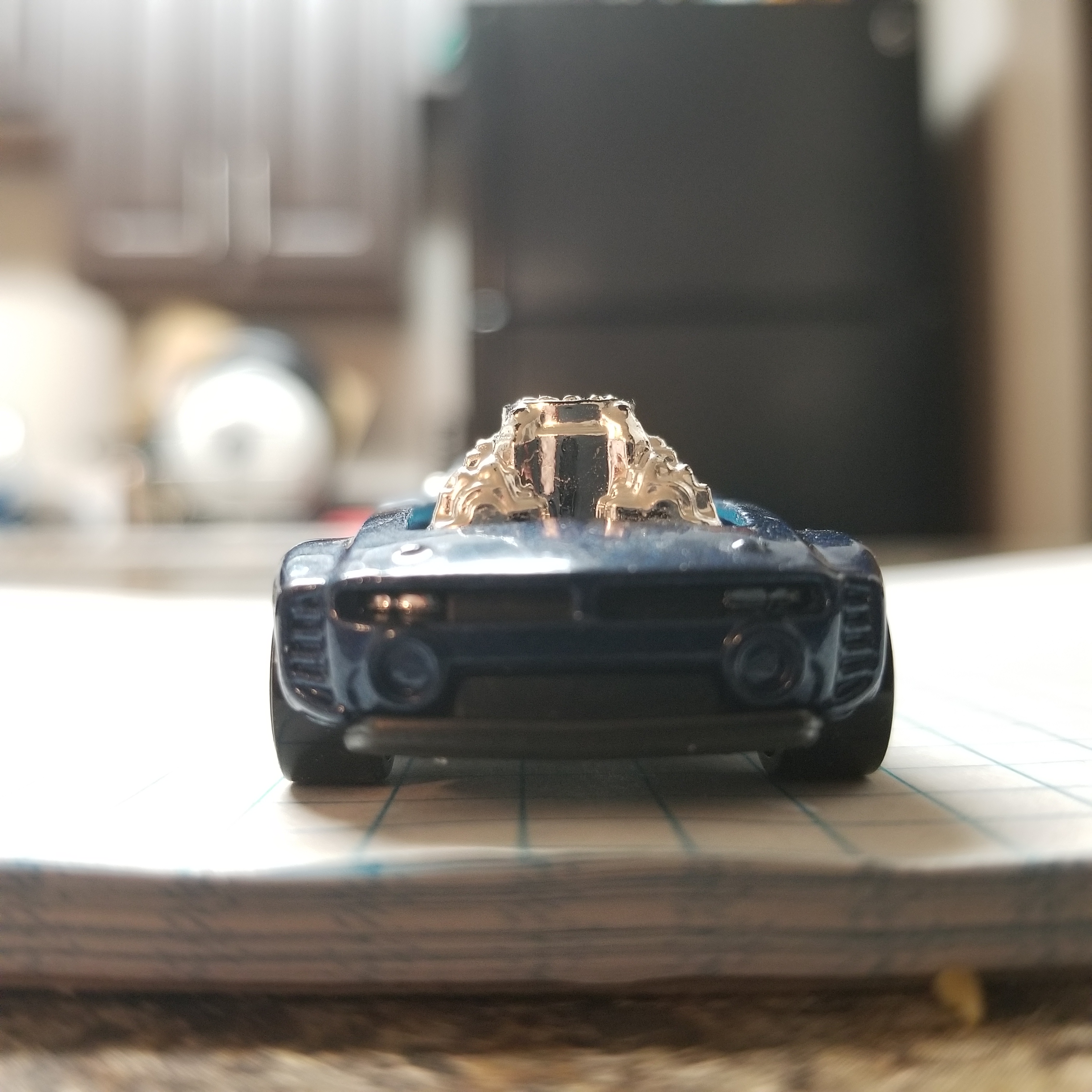
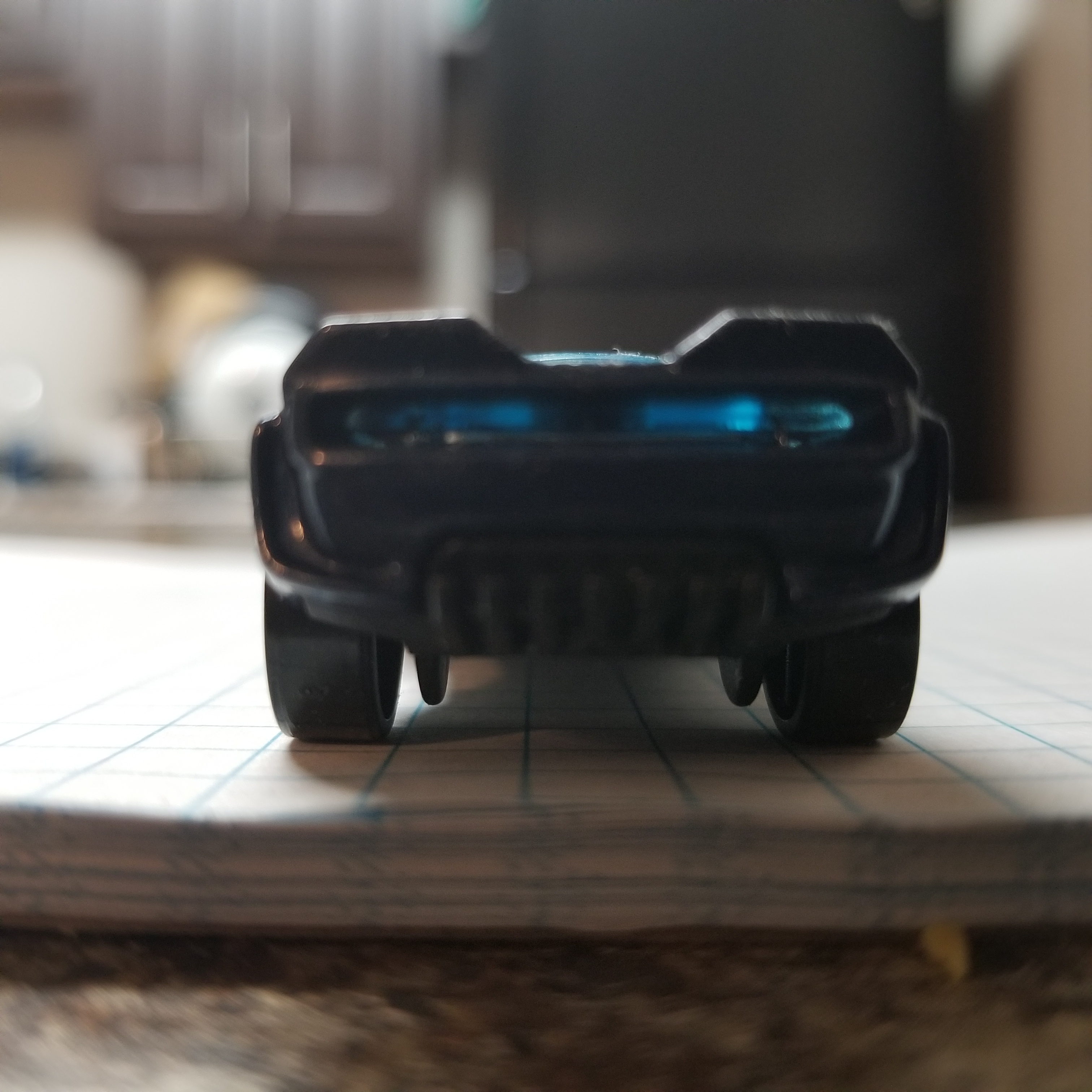
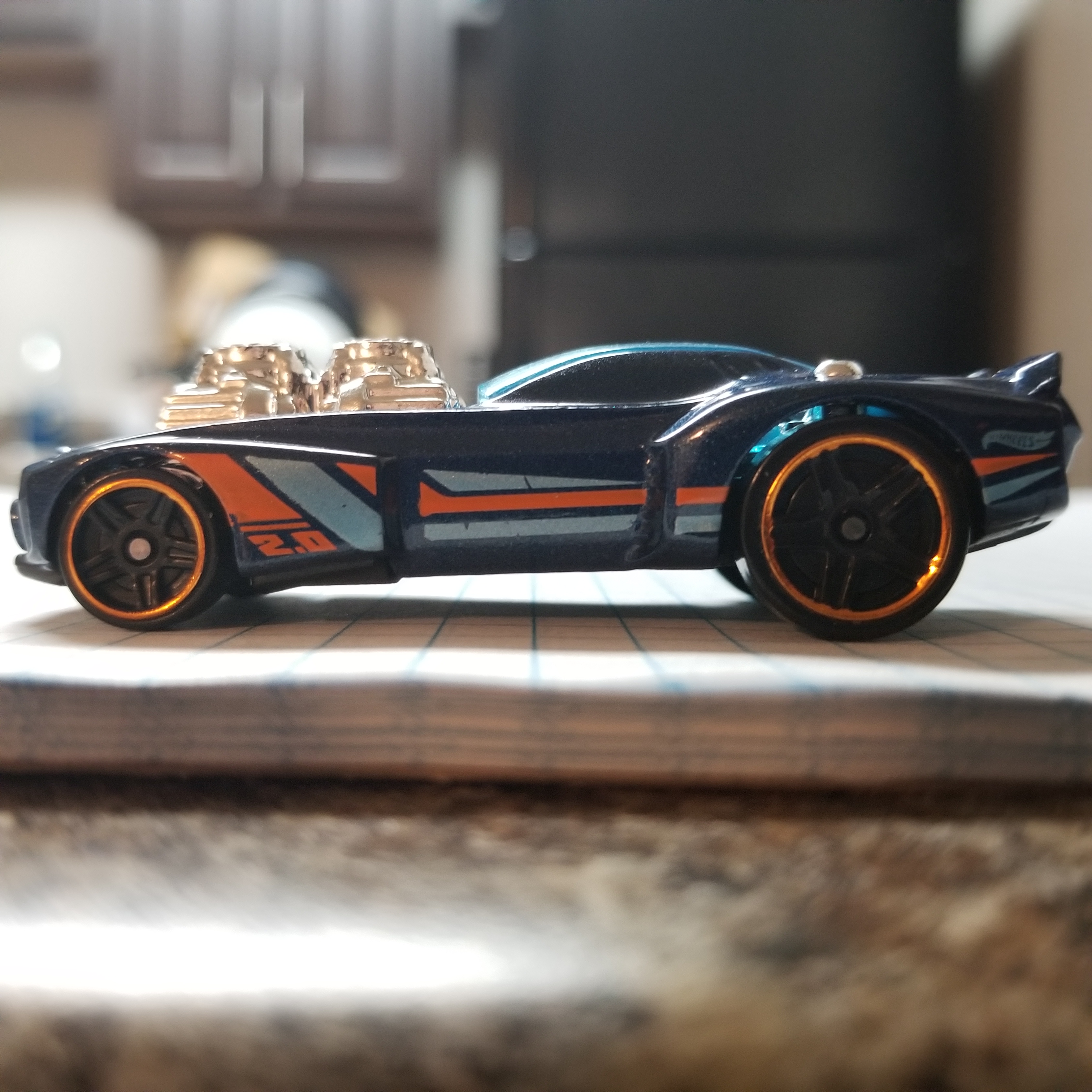
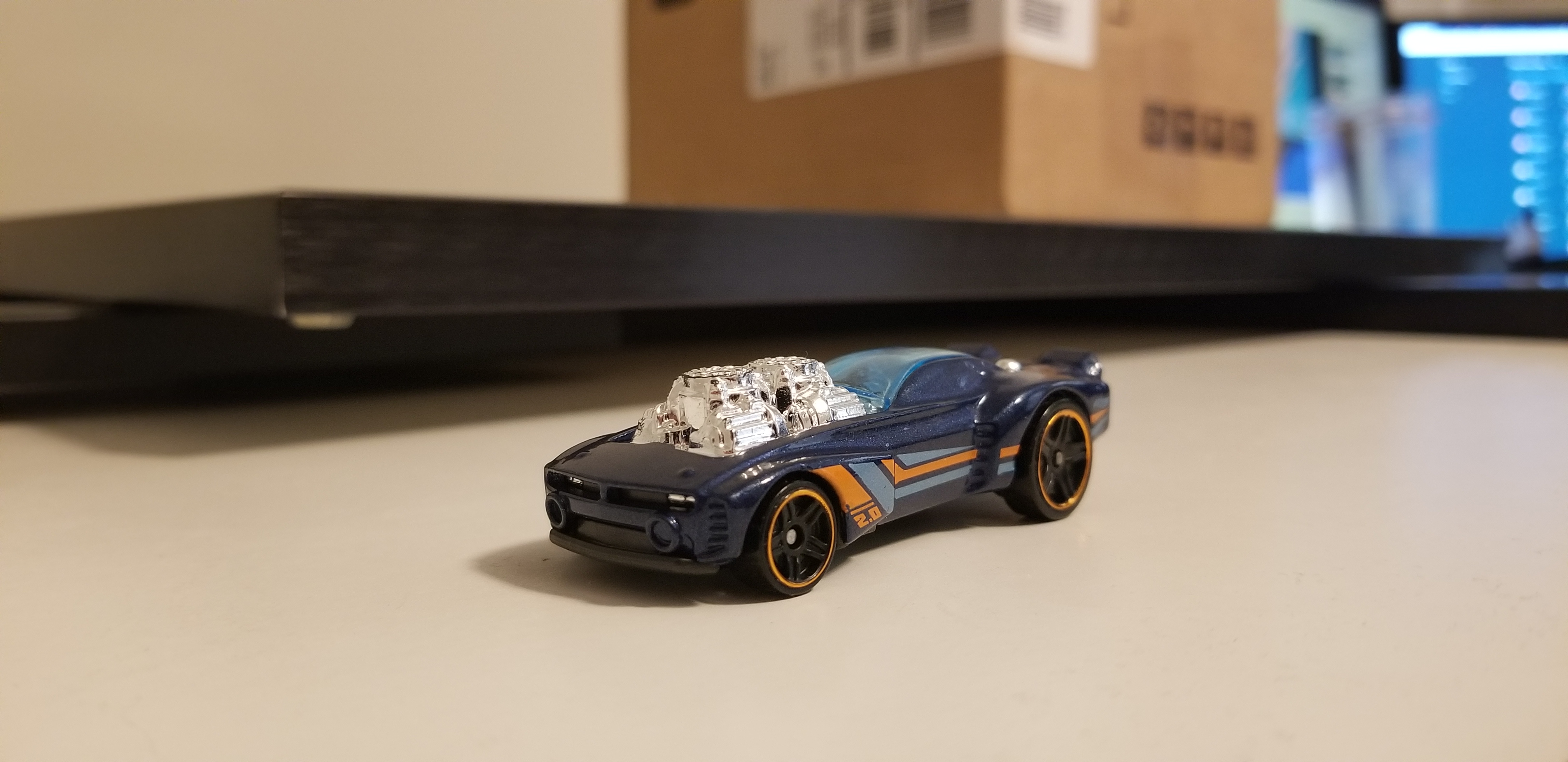
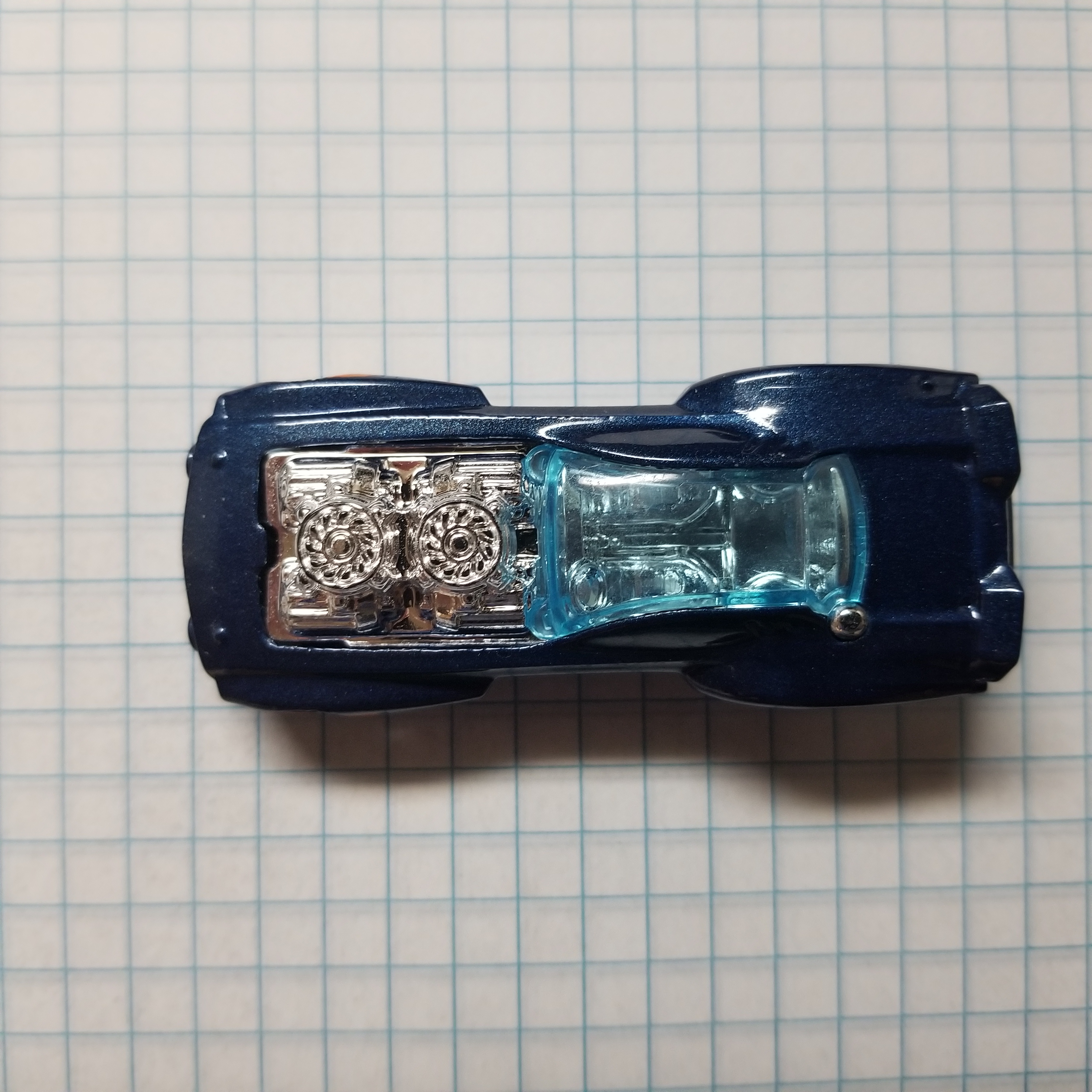
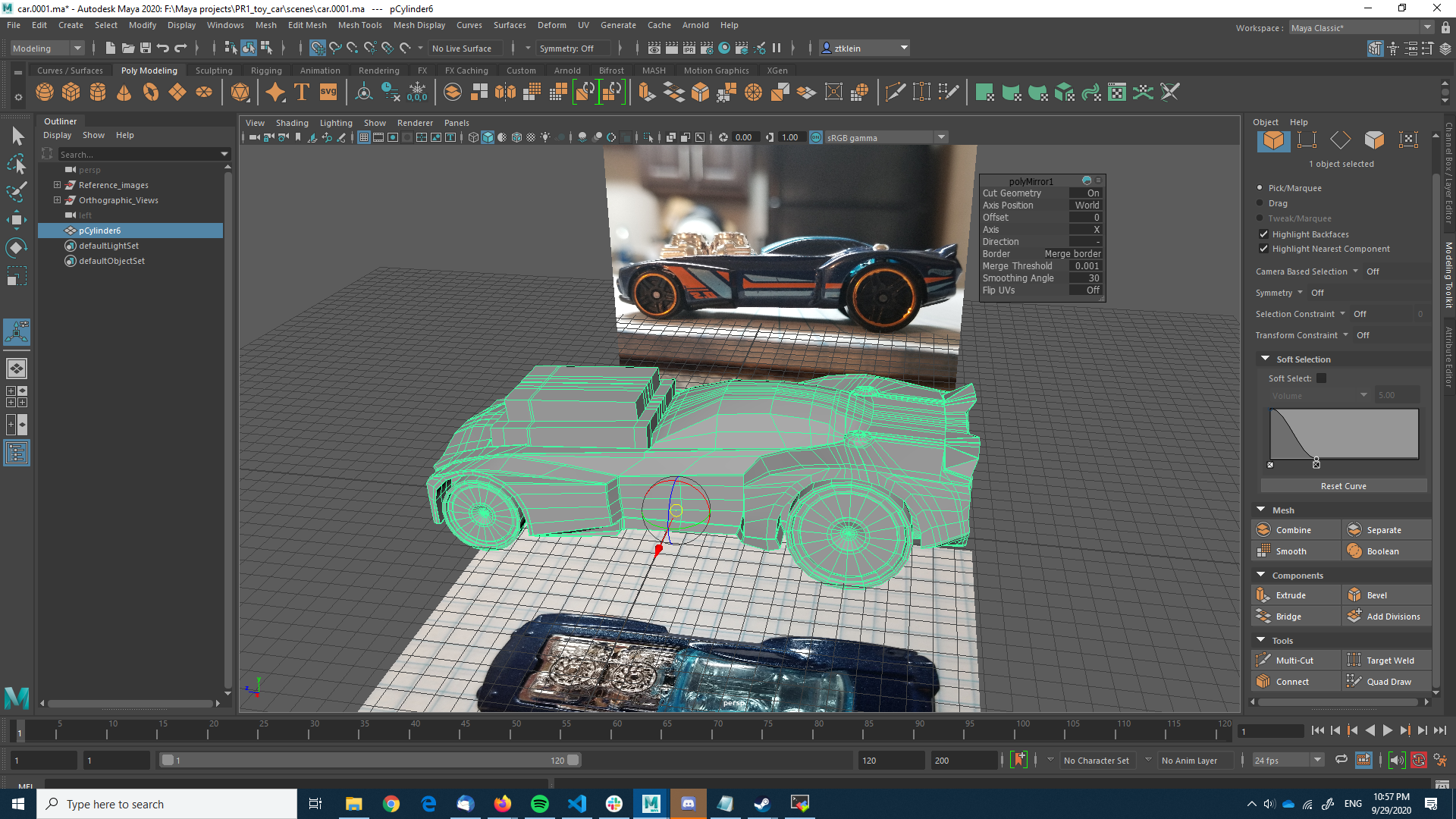
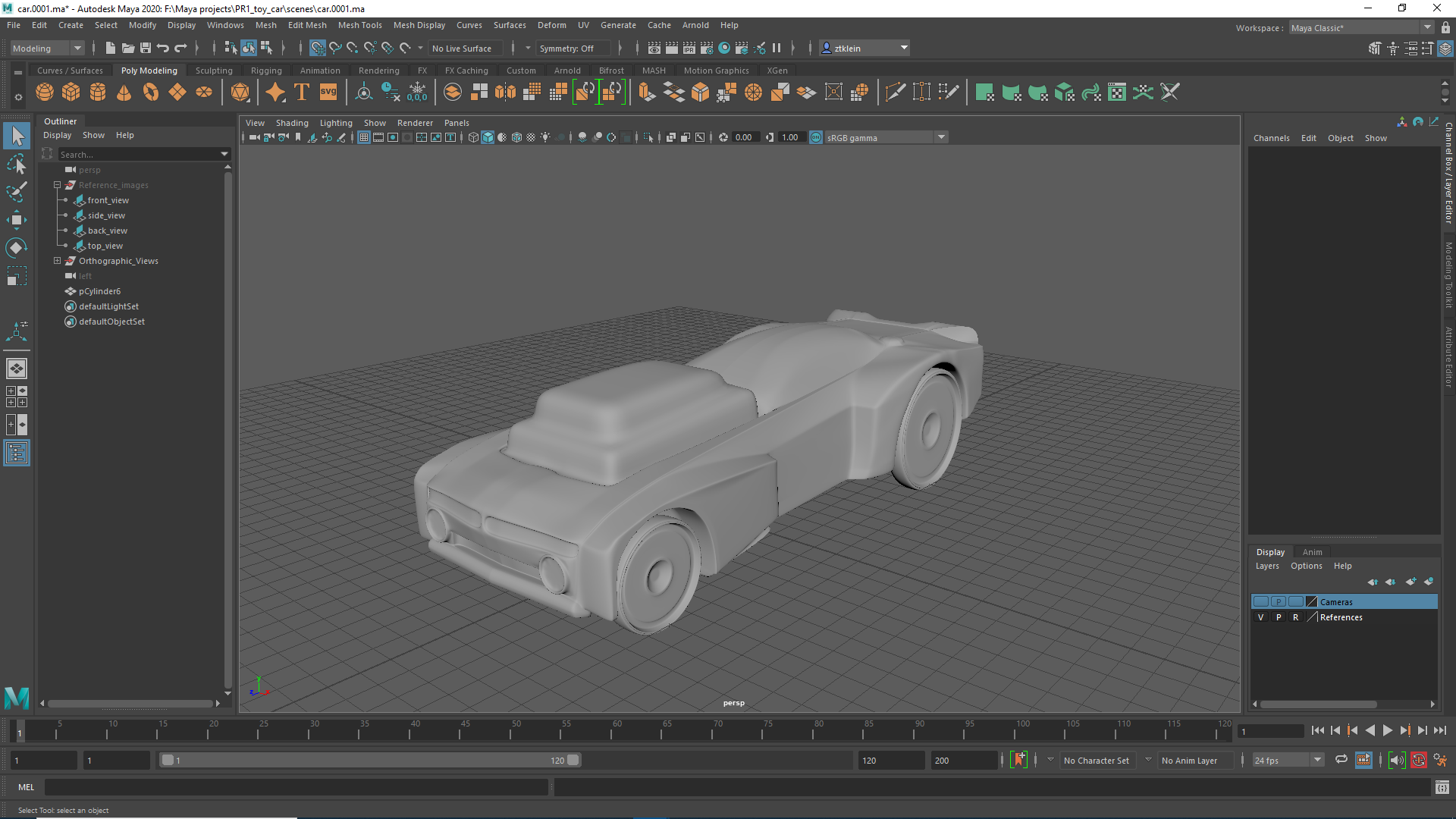
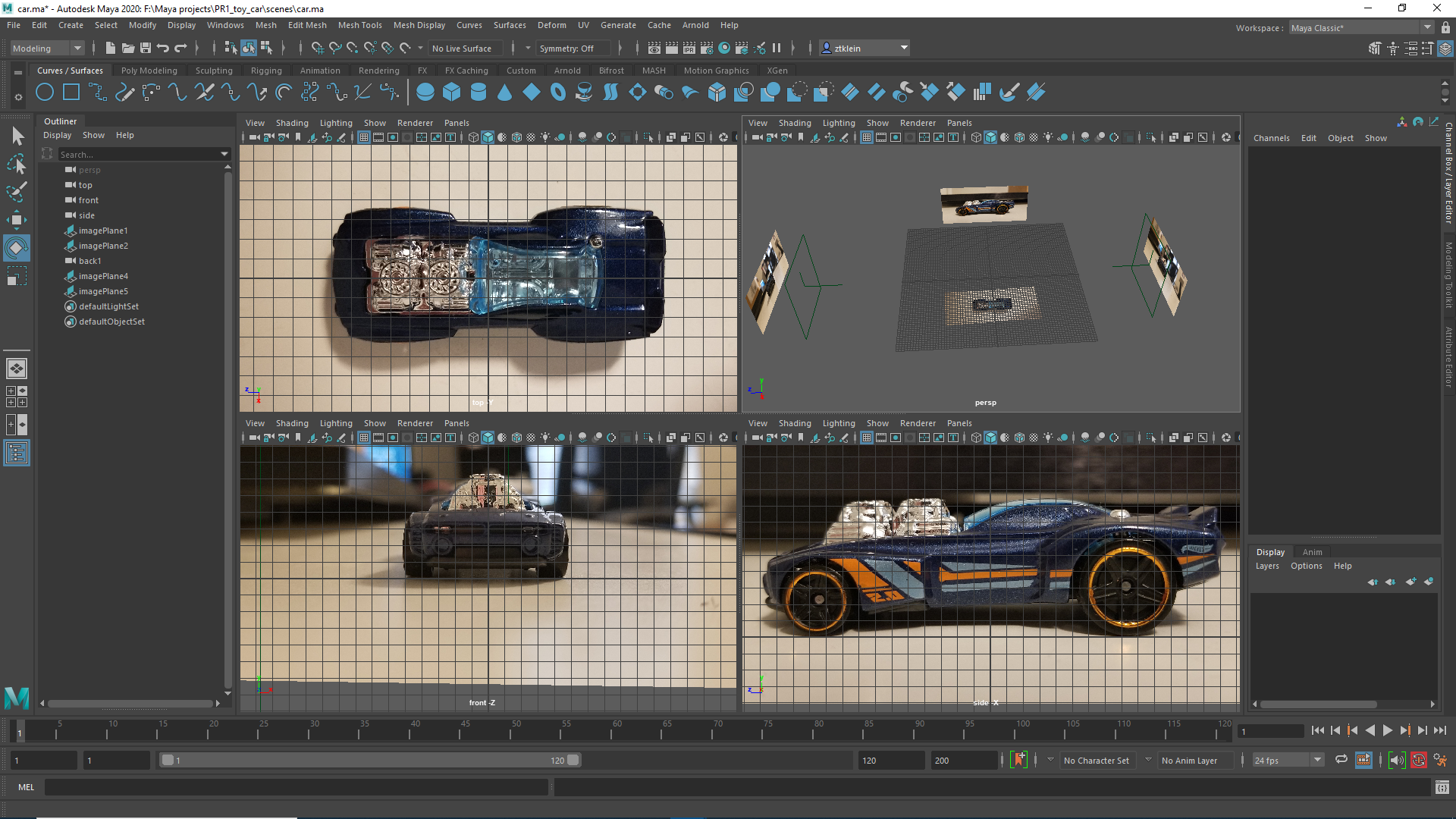
I set up image planes in Maya for use with the orthogonal views, and added the images to a reference layer so that they wouldn’t be selectable (Note: the images in this picture are not the ones I used as references; this screenshot was with old references that I failed to realize were at angles and would not line up).
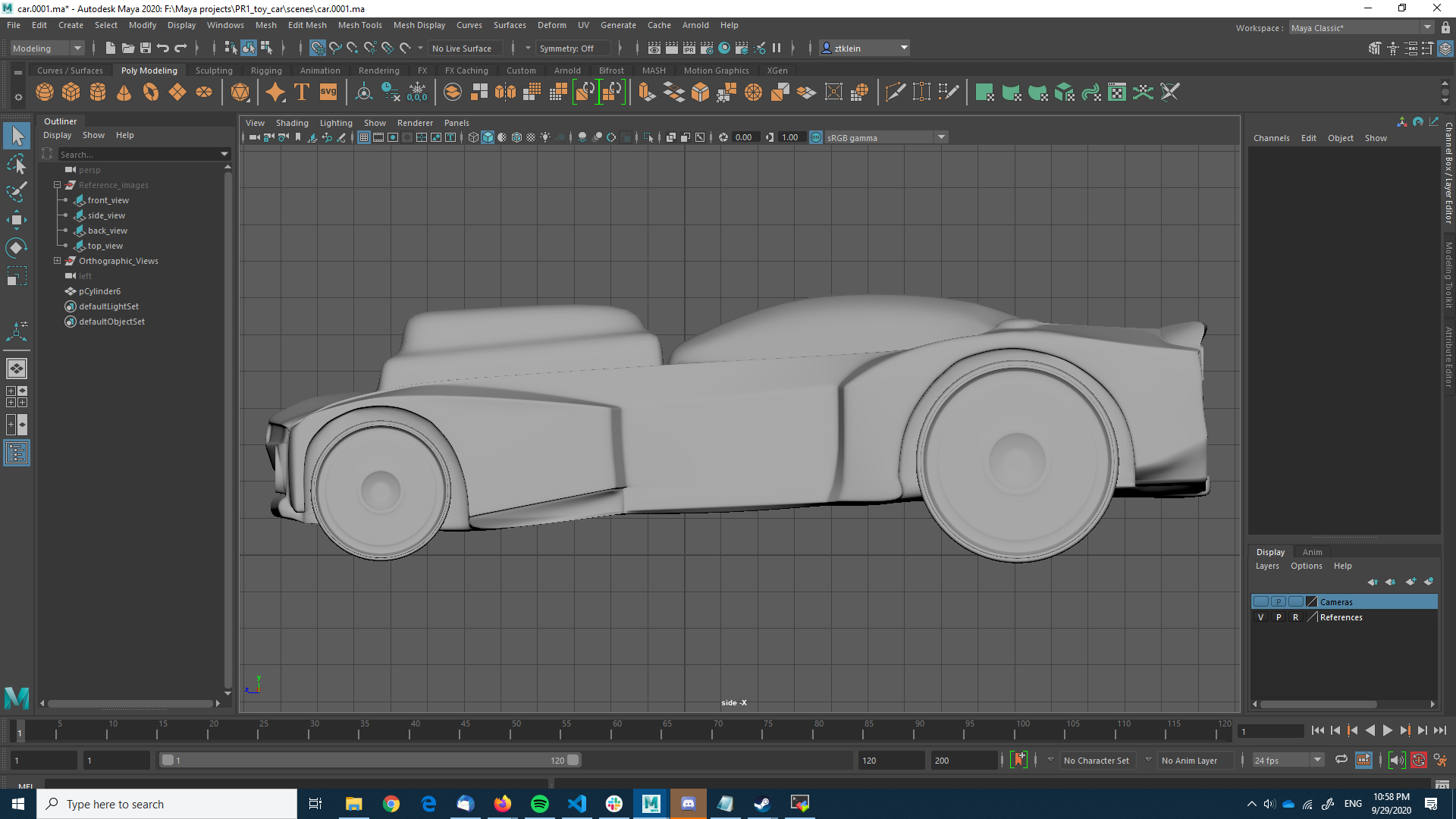
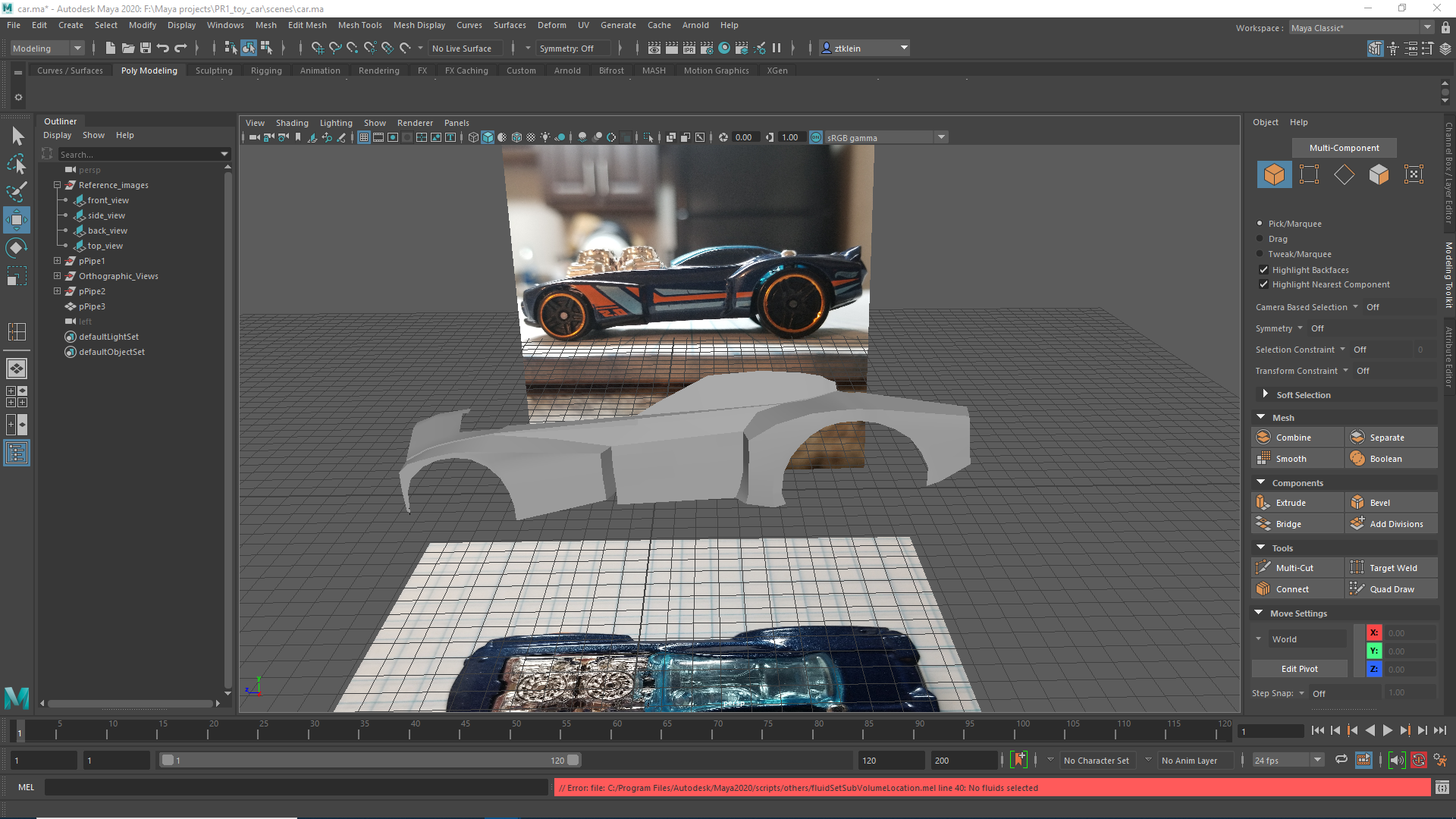
I started with the side of the car, using a pipe and deleting unused faces to get a basis for the housing where the wheels go. From there I made use of a lot of edge extrusions extrusions, welds, cuts, and vertex manipulations to build out the side of the vehicle.
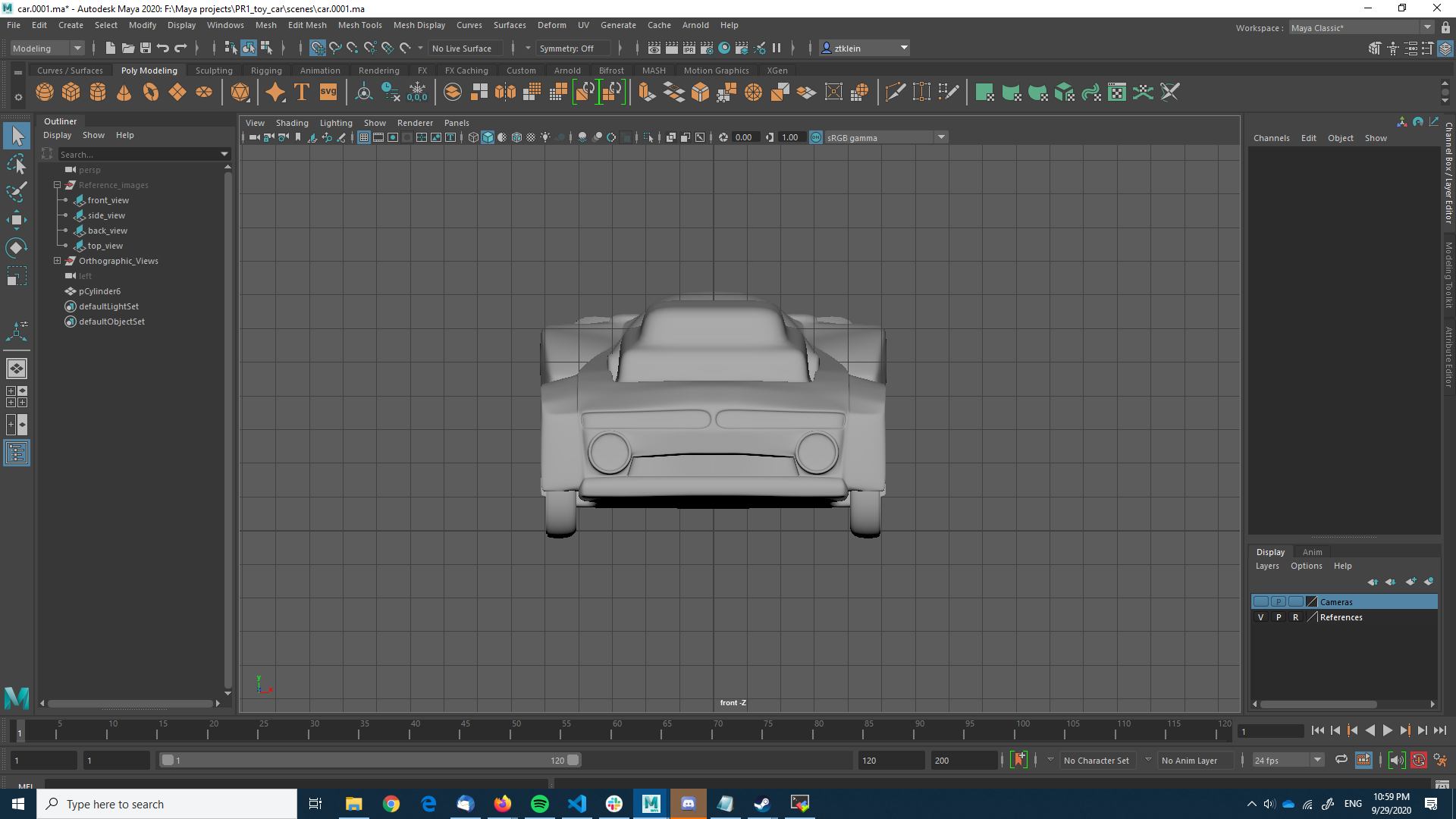
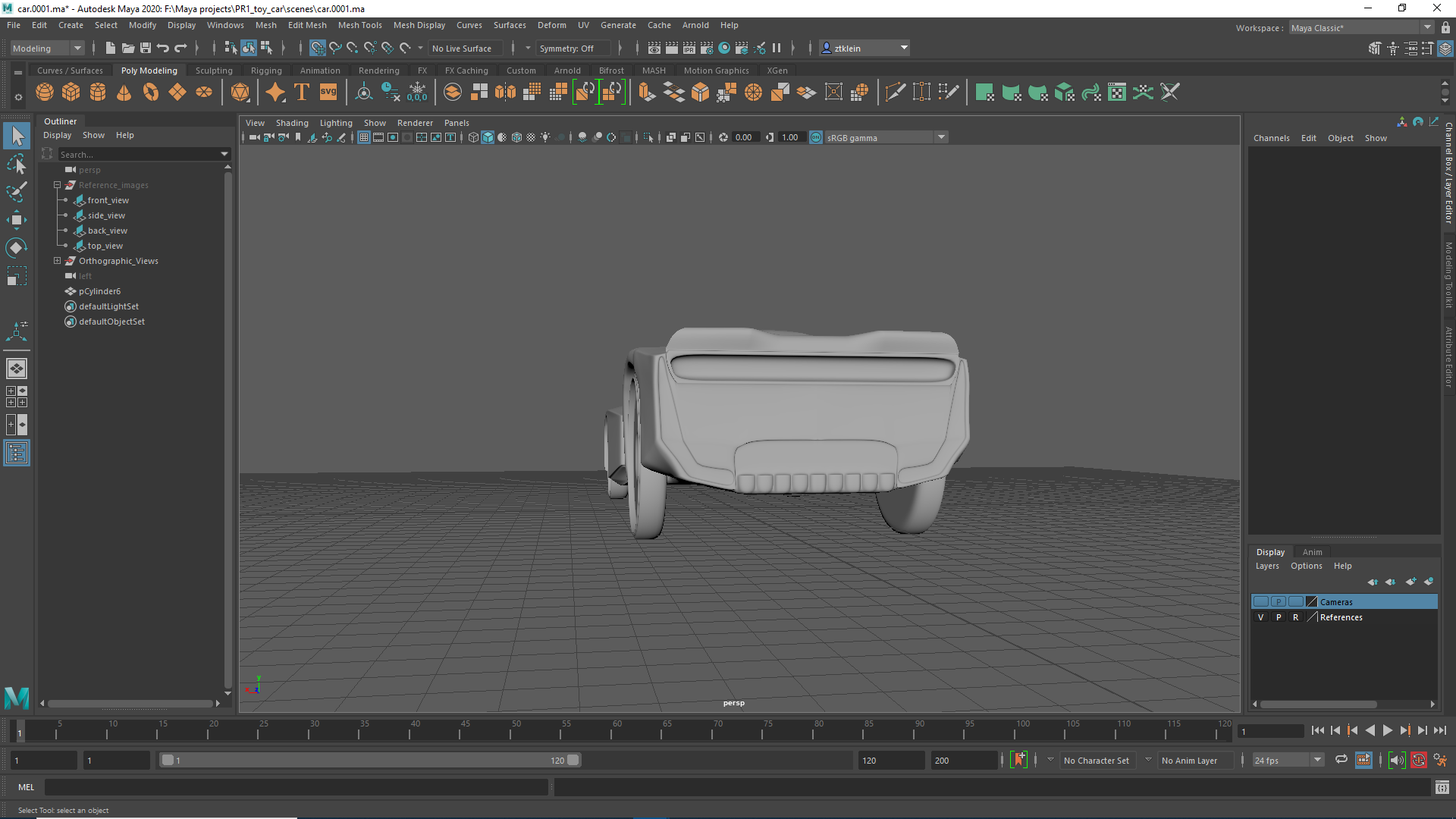
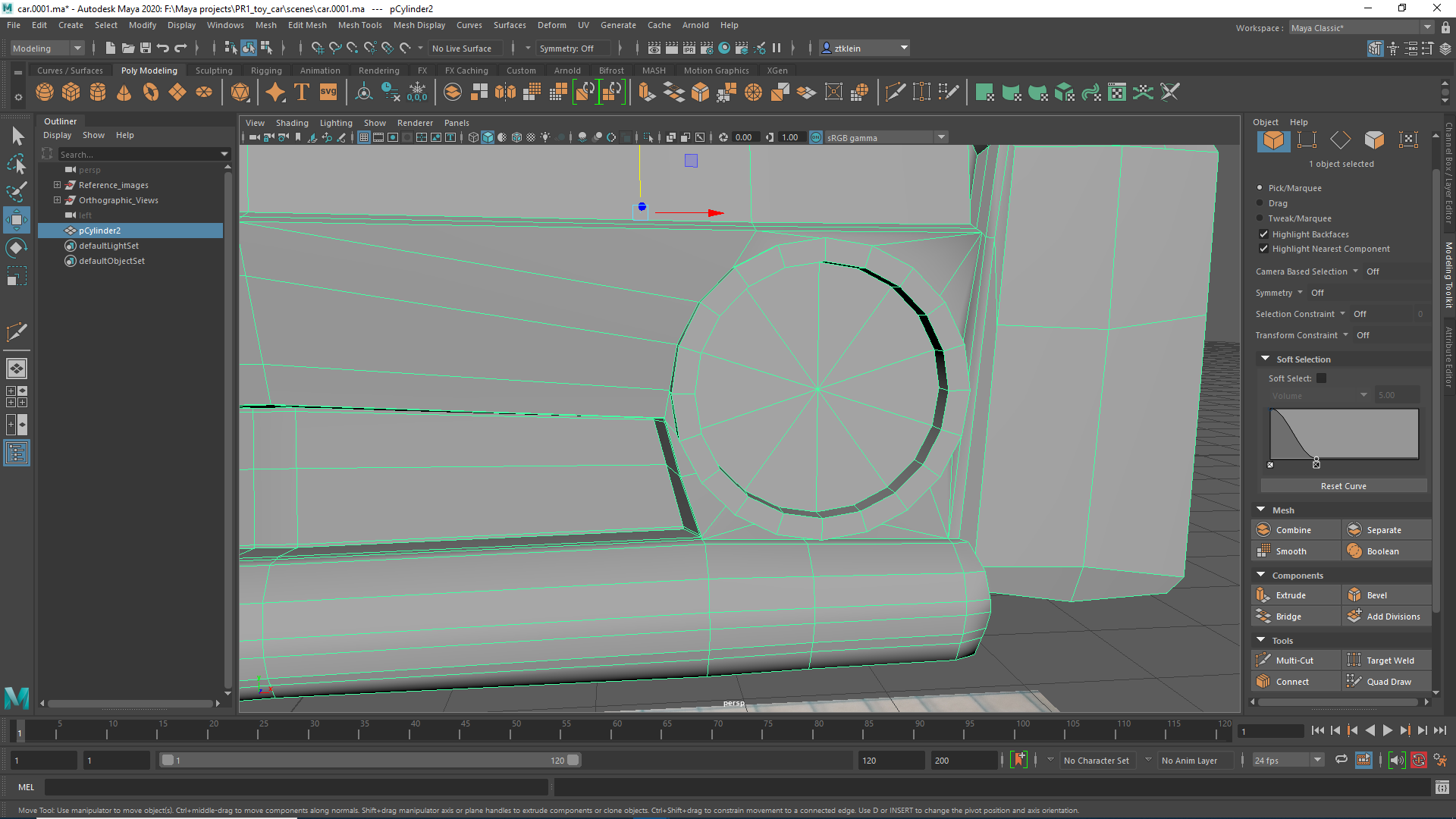
I moved on to build out the top, back, and front of the vehicle, eventually making use of extrusions to add depth to certain components, and the circularize tool to manipulate vertices so that I could extrude out a little pin that is on the top of the vehicle. When it came time to do the headlights, I used a boolean to push one in, and then used the cutting tool to fix the mess that was inevitably made, ensuring the surrounding geometry was still quads.
One of the last things I did was close up the bottom of the vehicle, so that I had a closed mesh At this point, I needed to get the project done, so I settled for a rather rudimentary set of extrusions to get the engine block done, and I quickly modeled some wheels on axes and used booleans to put them in place. Along with this, I ensured that the edge of the vehicle all lined up at 0 on the x axis, and finally mirrored the vehicle.