Problem:
Rig and animate a unicycle. The animation must be between 10 and 20 seconds.
Solution
Idea
From the get-go, I already knew what I wanted to do with this scene — I wanted to make a Tron-cycle (Tron-unicycle? Is Tron-cycle too ambiguous with regards to the original?). I set out to accomplish this, and very quickly realized I had no idea how to accomplish this. That said, I was determined to learn how to do it (“How hard can a light trail in Maya be, Zach?” — oh sweet summer child).
Materials
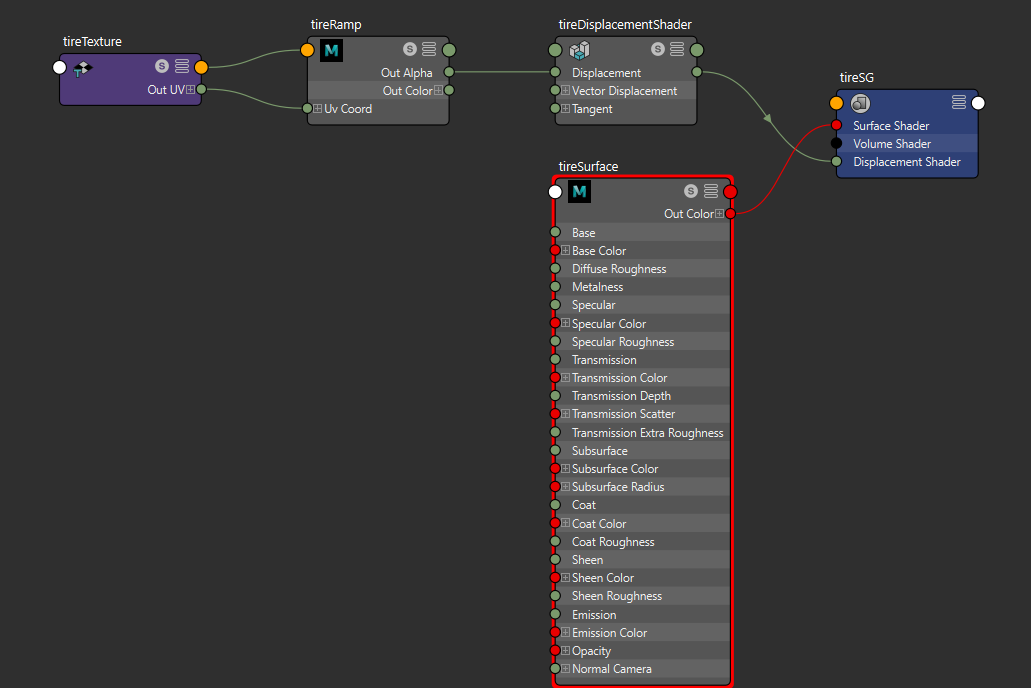
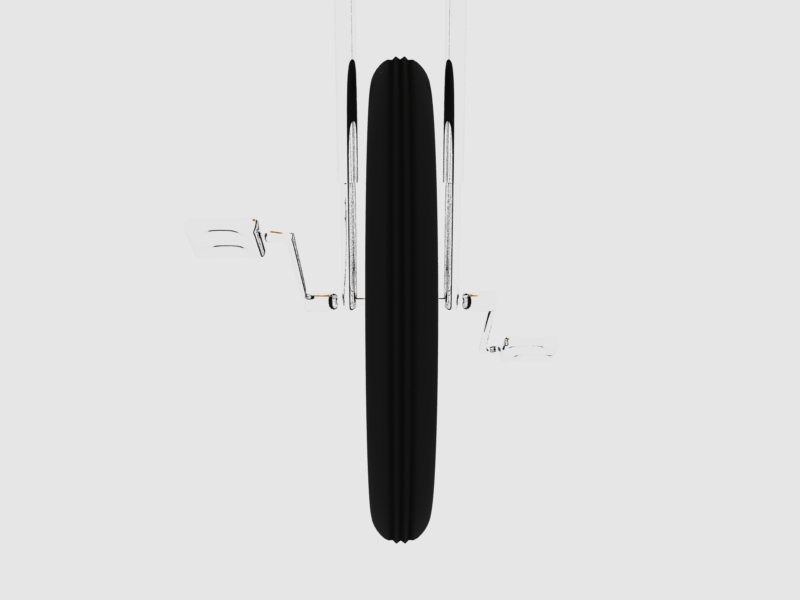
For the unicycle itself, I just used aiStandardSurface nodes for the materials — bump down the specular on the seat and up the roughness a bit, use a metallic material for the metal bits, and then bump down the specular on the tire. For the tire, I also fed a ramp into the displacement to give it a bit more detail.
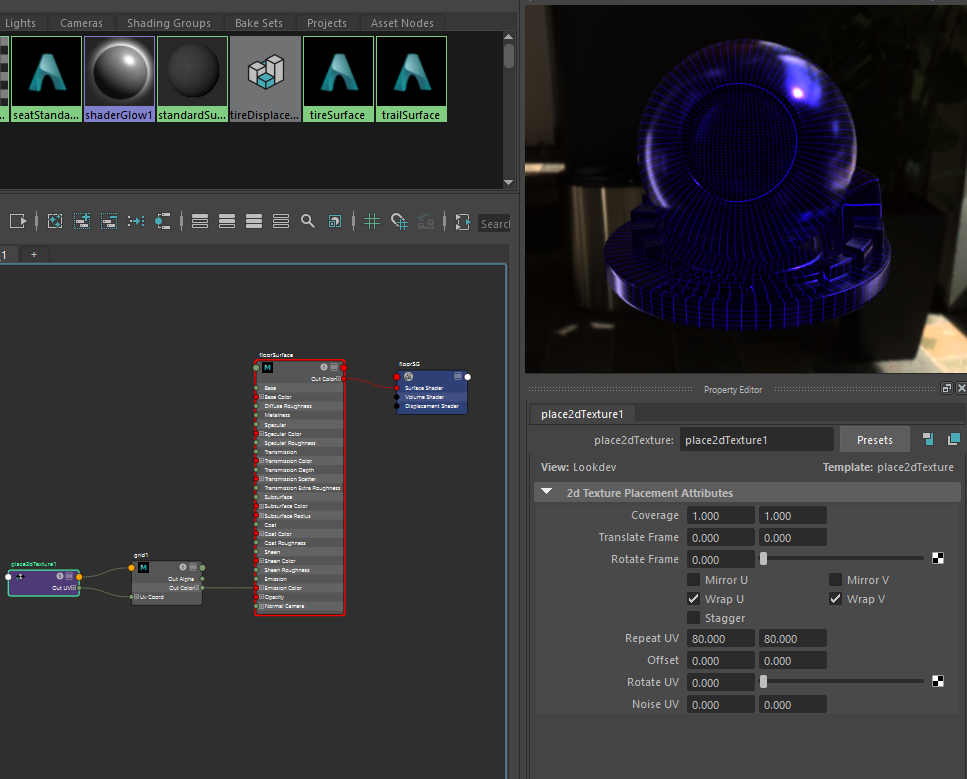
The surroundings were a given; I was doing a COOL GLOWY GRID, which was pretty easily done by making a really big plane and feeding a tiled grid node into the emission.
Rigging
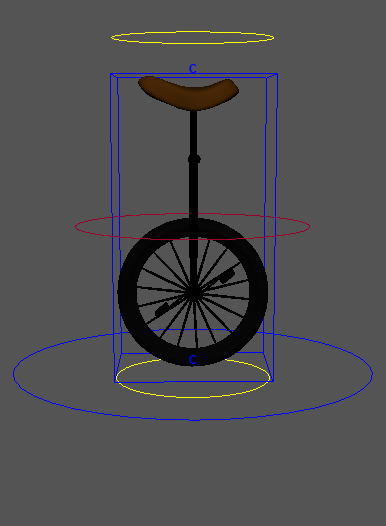
The basic rig was pretty simple; I just added a world control and a root control. I knew I wanted to add some sort of deformer for squash and stretch, but I wasn’t quite sure how to rig it up. Eventually I settled on using a lattice deformer with cluster handles on the top and bottom, and after some trial and error (and tutorials) I managed to get it to properly move with the rest of the rig.
Animation
I decided to use a curve to define the motion path for the unicycle. At first I used a Bezier curve, but that seemed to cause some weird issues with the unicycle wobbling, so I went back and tried to redo it with the regular CV curve tool. Once this was done, I just used some trial and error to set up the unicycle to properly follow the path facing forward, and used the graph editor to tweak the animation curve.
After that was done, I keyframed the motion of the unicycle, using the motion path twist attributes to add some banking on turns. Where the path crosses itself I knew I planned on having a light trail, so I decided to use the root controller to animate the bike jumping over the trail that would be there (otherwise I’d have to animate it exploding).
Once the general motion of the bike was keyframed, I went back and used the deformer controls. At the start of the animation, I tried to use deformations to add some anticipation before the motion similar to a road-runner style start. I wanted the unicycle to immediately start at full speed like a Tron bike, but I wanted to still give some form of visual cue that it was about to start moving. It didn’t quite turn out how I was hoping, but it gives some windup to the initial movement. Then, for the jump I added squash and stretch. Finally, at the end, I decided to have the unicycle skid to a halt, so I turned it 90 degrees, angled it, and used squash and stretch again to give an exaggerated effect and a sense of follow-through.
The light trail
This part took me the longest to figure out. I tried a lot of different things, most of which didnt work. Eventually I went back and drew a curve along the back of the unicycle. Initially I extruded this out along the motion path I already had, but deforming it over the jump didnt quite work when I animated the maxValue — the hump would animate along the entire path. Many failed attempts later, I discovered a way to create a curve based on the motion trail of an object, so I did that based on the unicyle’s animated path. Unfortunately, this made it impossible to have it exactly follow the bike — the motion paths didn’t match up, and no combination of expressions got things to match up. What I had to do in the end was go through every 10 frames or so and keyframe the extrusion to match with where the unicycle was.
Once I had the path following the unicycle closely enough to be satisfactory, it was time to light it up. I spent some time futzing with mesh lights, since they tend to be less noisy than emissions, but I couldn’t get the light to properly emit from both sides of the trail this way, so I ended up going back and making an emissive shader. I also added transparency to the material for the trail, so it has a see-through effect. To help add a bit of “glow” to the lights, I also added an atmosphereVolume to the scene, since I don’t know anything about using tools to add that in post.
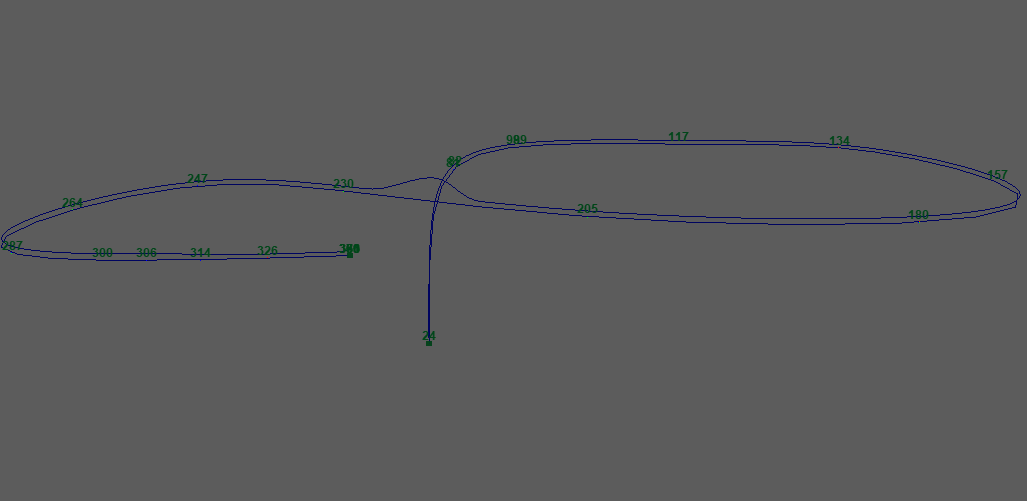
Here’s a screenshot of the curves used — the bottom one is the curve I used as a motion path, the top one is the curve defined by the motion trail that I used for the path of the light.
Camerawork
I know that more static shots and less shots total would have been simpler, but unfortunately the way I set up my scene covered a very large area. I ended up using multiple aim and point constraints on a camera to keyframe it, using constraint blending to get the desired setup. I broke my keyframe setup a few times doing this, so I’m glad I kept saving as I worked on it. I’m glad I did things this way in the end, though, because keyframing constraints seems like a useful thing to learn.
Rendering
At first, I wanted quality, so I followed the guide laid out at https://docs.arnoldrenderer.com/display/A5AFMUG/Removing+Noise to figure out where noise in my scene was coming from. After rendering out AOV’s, I tweaked camera ray settings until I got a sufficiently clean scene. I then realized this was in no way feasible, as for the 384 frames I had, it would have taken multiple days at these settings.
After bumping down all the settings to the point that it would just take a day for my PC to do the renders, I enabled denoise AOVs so that I could at least use the Arnold denoiser utility once everything was done, and I hit batch render and went to bed. I forgot the fact that that watermarks images, so in the morning I started up a sequence render after checking on the images that had been output.
Once that was done, I used the denoiser (not the OptiX one, that doesn’t work so great on animations — it’s not temporally stable).
I don’t know anything about handling color correction in Premiere, so things turned out a bit more purple than I planned, but ultimately I’m fine with how it ended up looking. Here’s the result; the first video is the original output, while the second is denoised using noice:
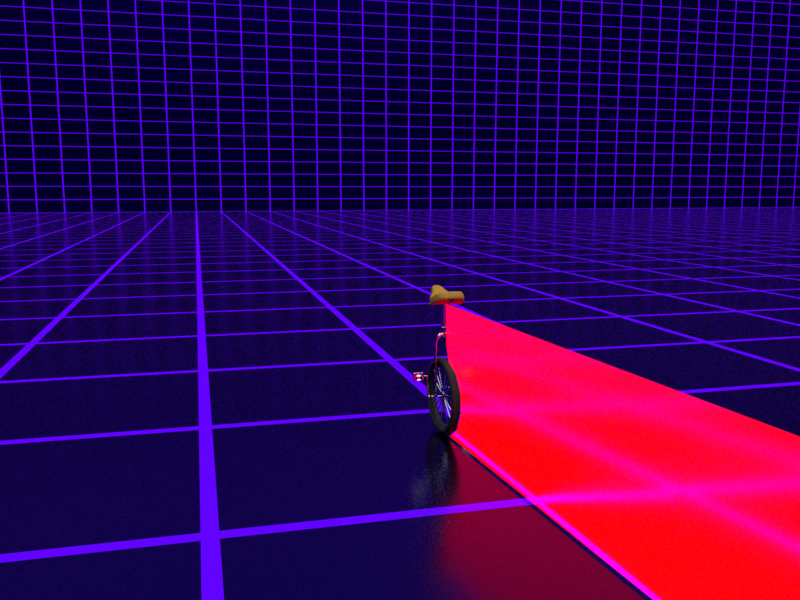
Here’s three frames from the animation. Frame 55 is just an example of the unicycle moving with the light trail:
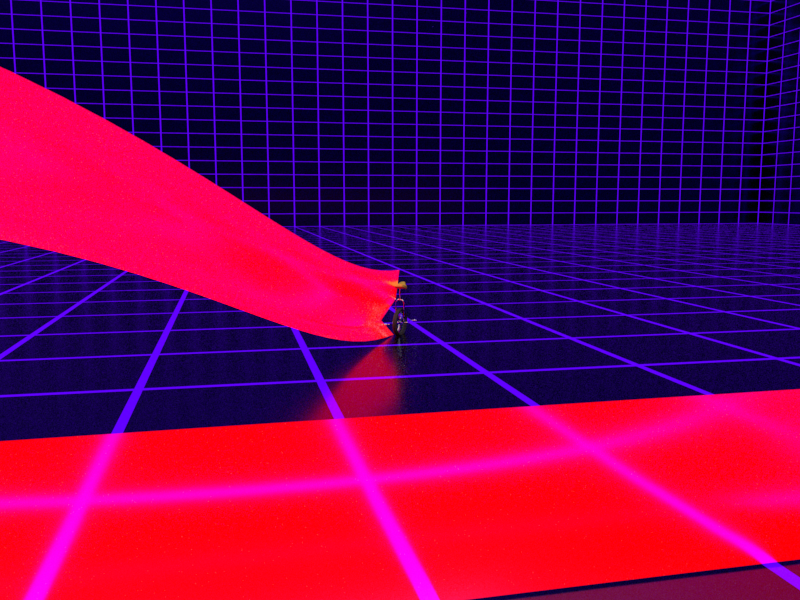
Frame 227 shows the unicycle squashing after a jump:
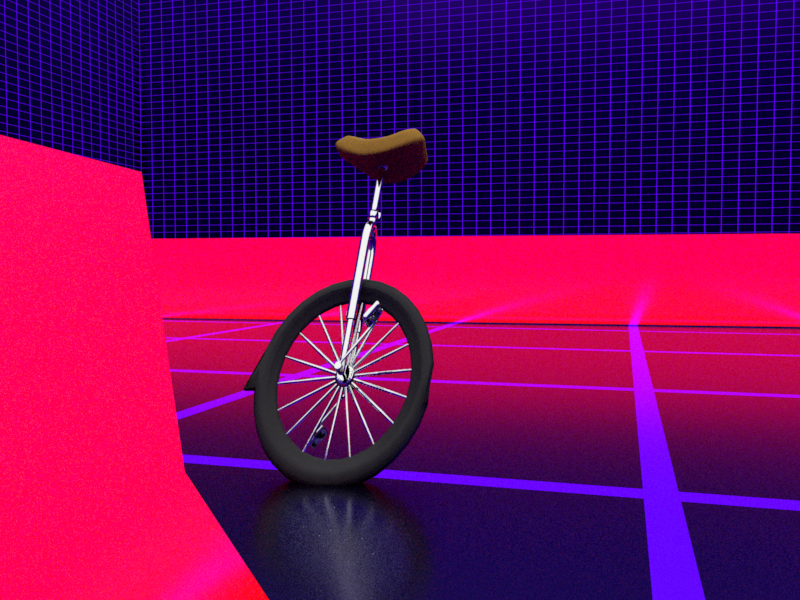
Frame 371 shows the unicycle stretching out as it screeches to a halt:
Things I’d do differently
If I ever learn sound design/editing, I’d actually like to go back and add some effects to this. For now, though, I’m happy with the results. It’s not perfect, but I got the chance to learn about several tools in Maya I can use for interesting effects. If I ever had to do this effect again, though, I’d probably take the advice of what everyone said on the forum posts I found about light trails and use another program.
One of the biggest things I think I should have done is redo the initial motion path curve to include the jump, instead of animating the jump using the root controller. That way I could have used the same path for both the light trail and the unicycle. I also think it would be neat to do an animation with multiple vehicles using the same light trail effect at some point.