The final project
For my final project, I knew already what I wanted to do — I wanted to mess with volumes. I was inspired by Lee Griggs’s work with volume meshes such as what’s shown on his page here https://leegriggs.com/volume-mesh. So, I set out to learn how to accomplish this in Maya.
The first step
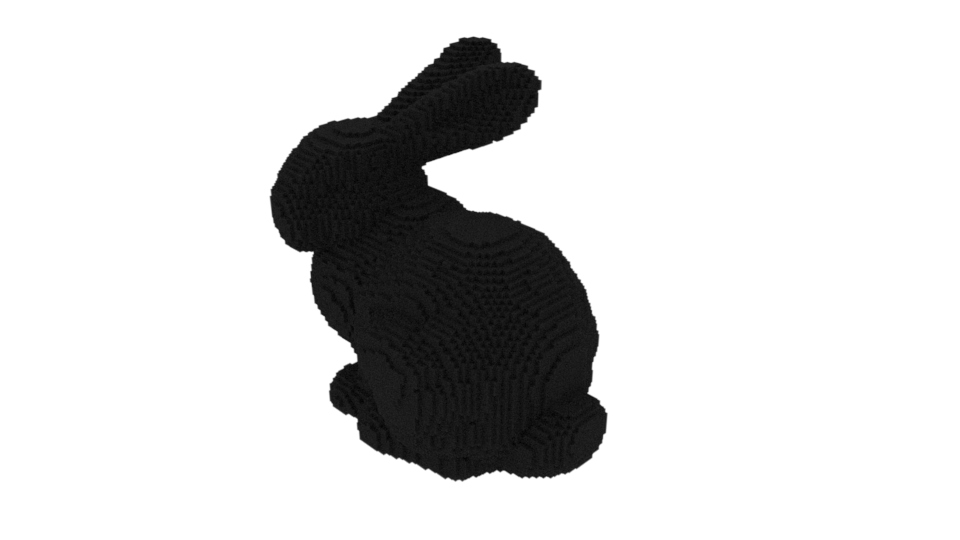
First things first, I needed to figure out how to load volumes in Maya. I just tested loading in a simple vdb from openvdb.org and rendered it out. Simple enough.
Next step
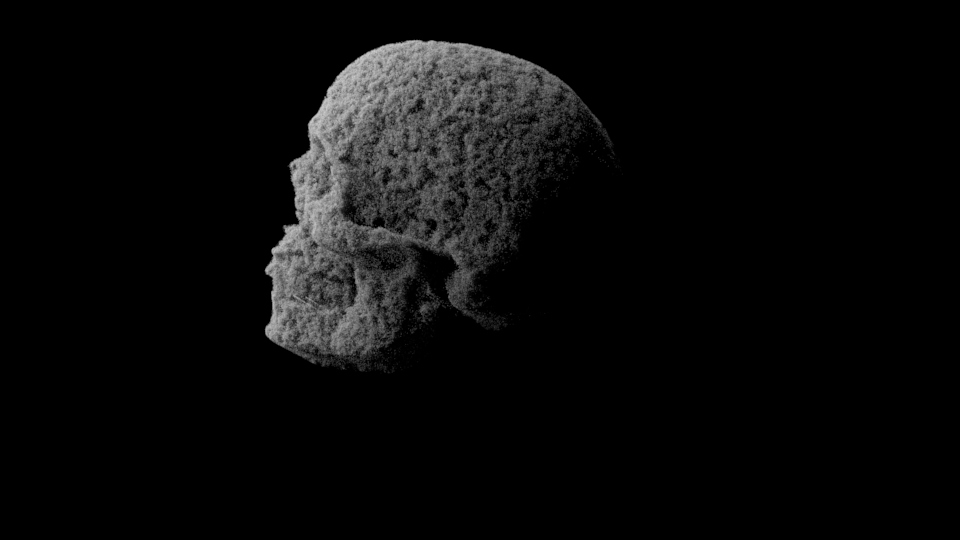
Following that, I found a skull model from sketchfab to use. I used one made by jvitorsouzadesign. I converted the skull to a volume and spent some time tinkering with step size to make sure it would render properly. Plugging in an aiStandardVolume to the shader graph, I then spent a lot of time figuring out how to get different inputs to work with the volume’s displacement attribute — there were a lot of blank test renders or test renders with all sorts of artifacts. I found out that I had to feed in my input to some intermediate node, such as a range node or a vector map. After a while, I managed to feed in a cloud node to a vectormap to get this result:
Working with projections & textures
Now it was time to try doing something more visually interesting. I found a wave texture from unsplash that looked like it would be varied enough, and fed it into a range node that got fed into a camera projection before going into the displacement. I had to jack up the range values to get noticable effect, and had to go back and tinker with the volume padding to make sure I wasn’t getting bounds issues. This was the first render I ended up with:
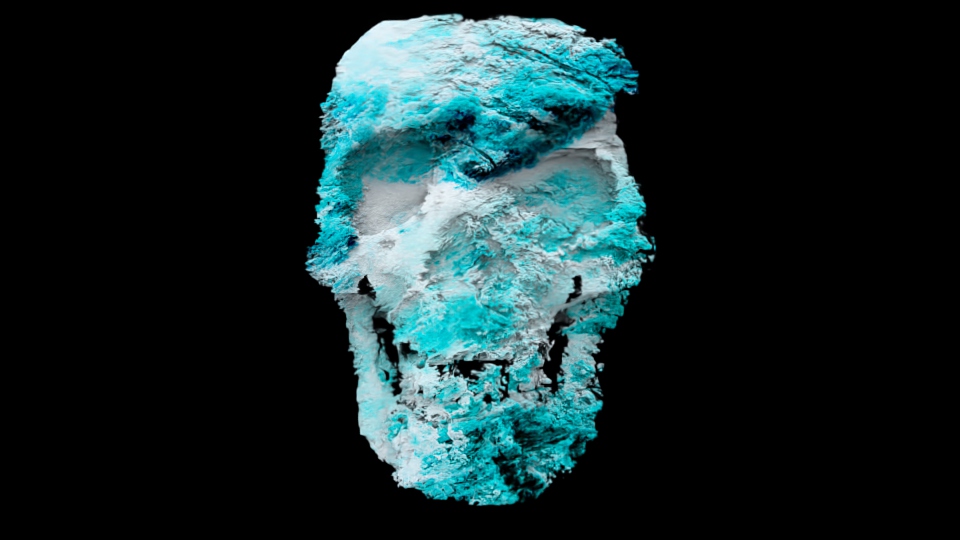
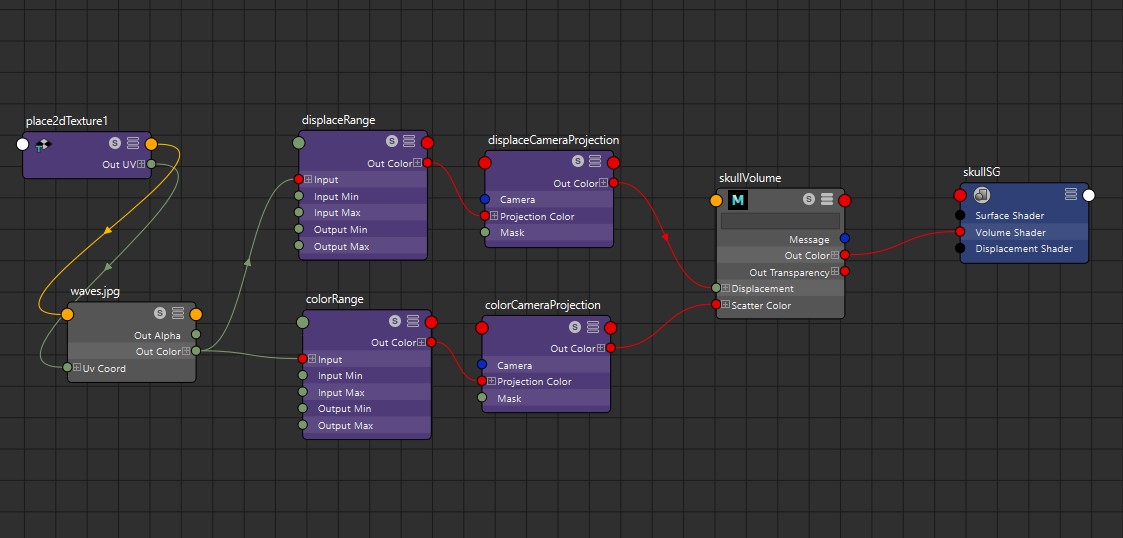
Things were a bit too distorted, so I had to then try to reign it in a bit. I also thought the colors could pop more, so I ended up going back and splitting it into two separate range & camara projection nodes, so I could control how far I was pushing values separately for color. Here’s the shader graph and two more tries with different values that turned out nice — each time I tried reigning in the min and max values on the range to ensure that things were visually interesting while coming closer to the base shape of the skull:
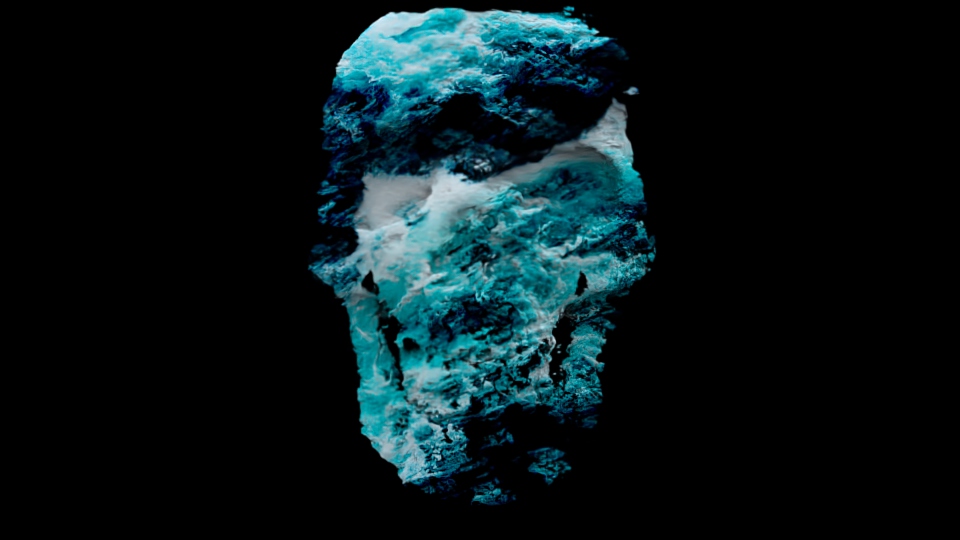
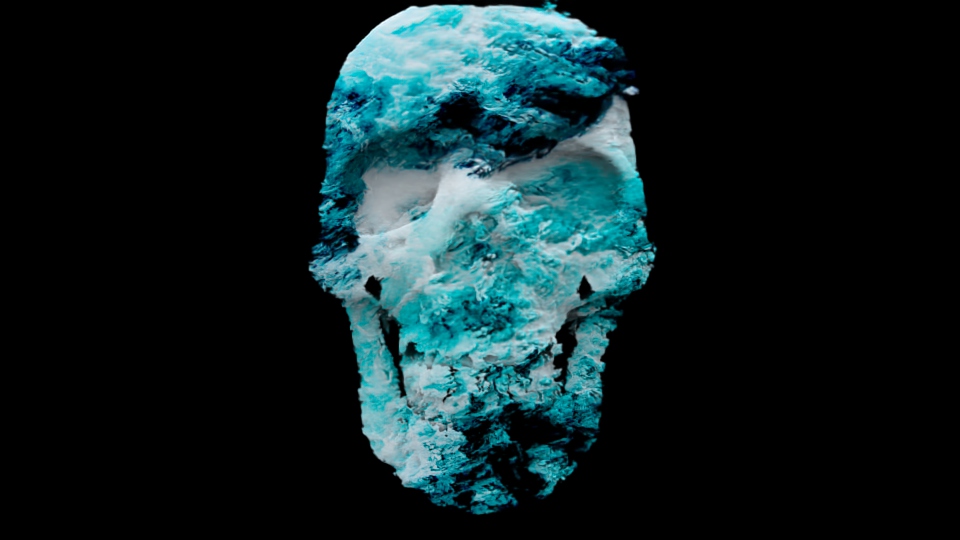
And here’s a high-quality render:
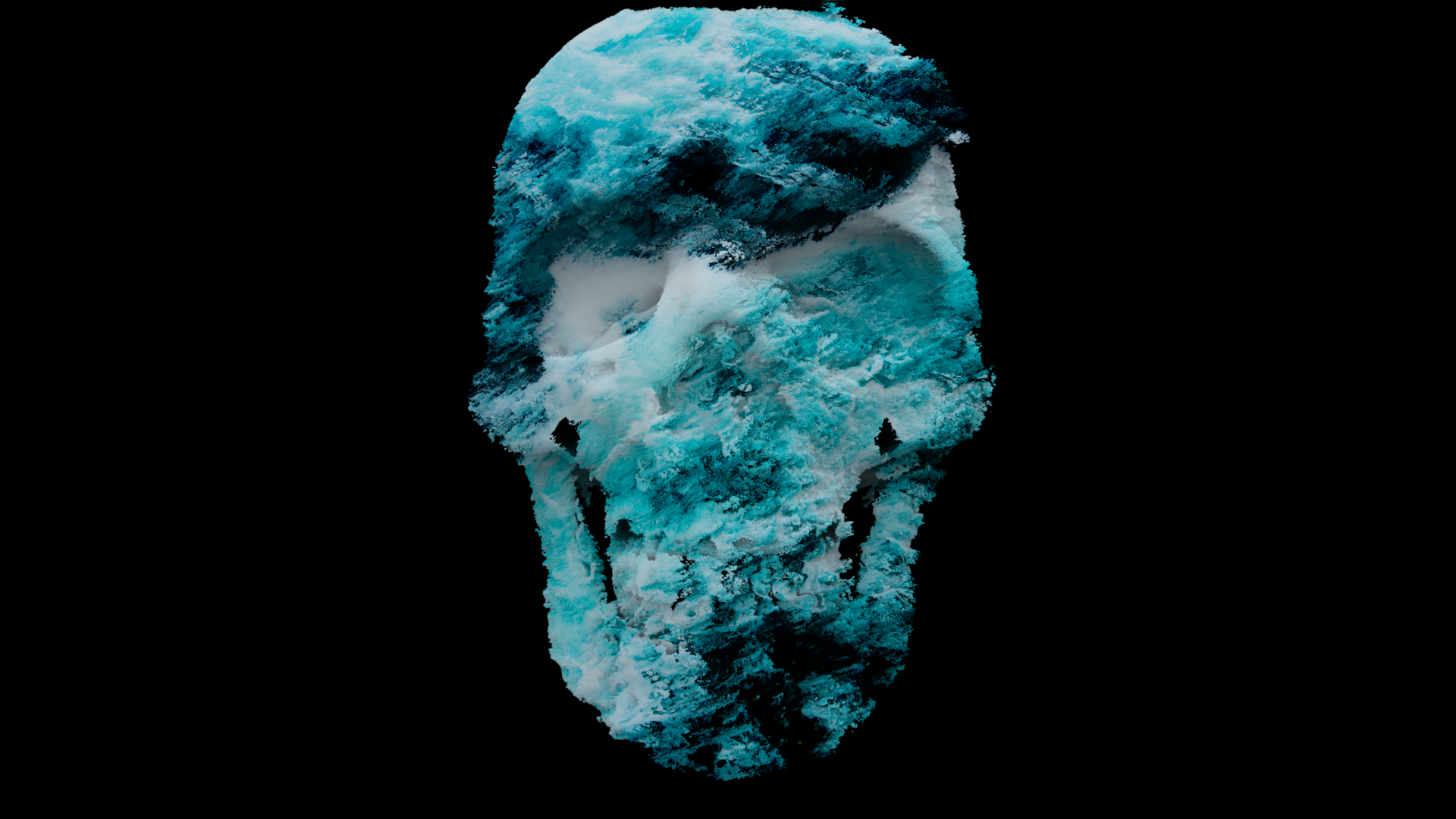
For animating this, I wanted to try doing a turnaround, with the color projection remaining constant and the displacement shifting along around the skull. This meant using separate cameras for the projections and animating one. It didn’t quite turn out how I was hoping, but it did allow for me to see what things might have looked like if I’d chosen other angles for stills. The main reason I kept the volume displacement camera projected from the viewing angle is because of how that projection works; keeping it the same relative to the skull would have meant the side view would just be streaks.
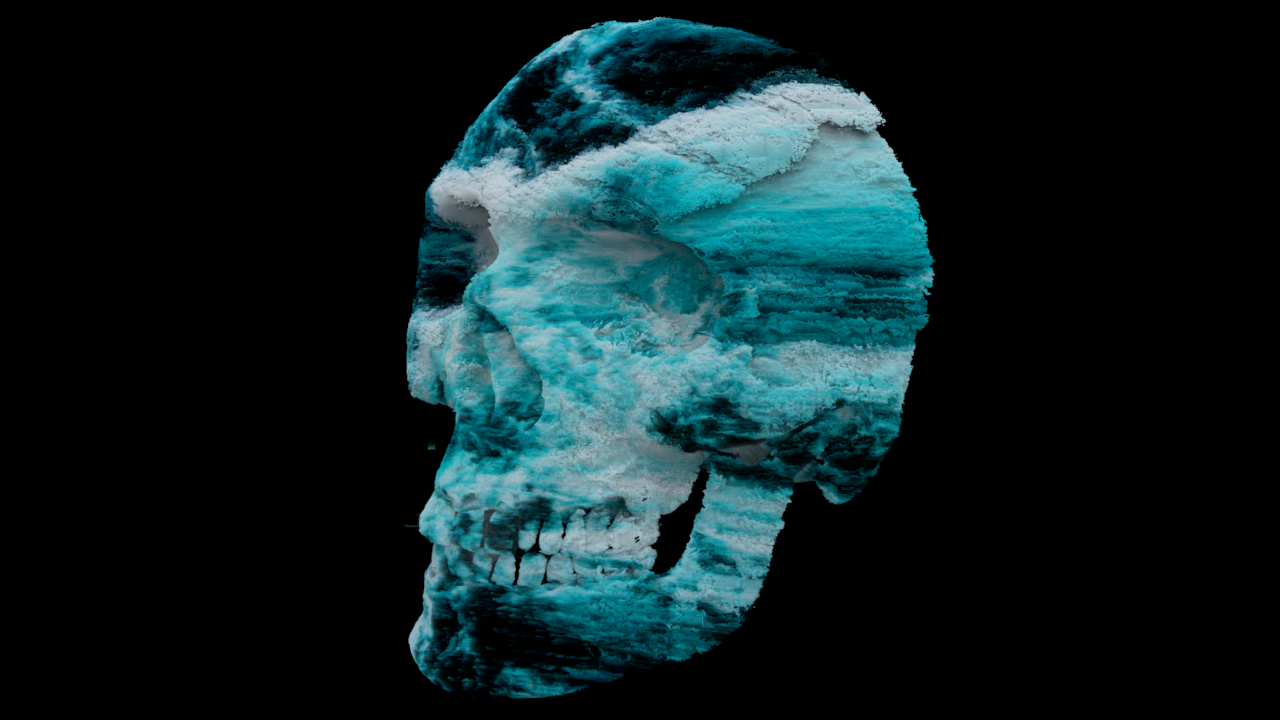
I already shared a hires image of the frontal view above, but I also quite liked this angle:
Continuation
Something I want to do going forth is try feeding into a mask with a ramp node to try limiting the displacement to only half of the object, and using a procedural noise or a video as the input so that I can keyframe it in order to animate half of the skull while the other remains still.